
Version 27 sends your design to BIM and CAD as IFC and DWG, builds a Contractor Pack with a cost estimate, renders photo-real with LuxCore and adds landscape tools that follow the land. Available for Windows and for Mac.
WindowsMacVersion 27
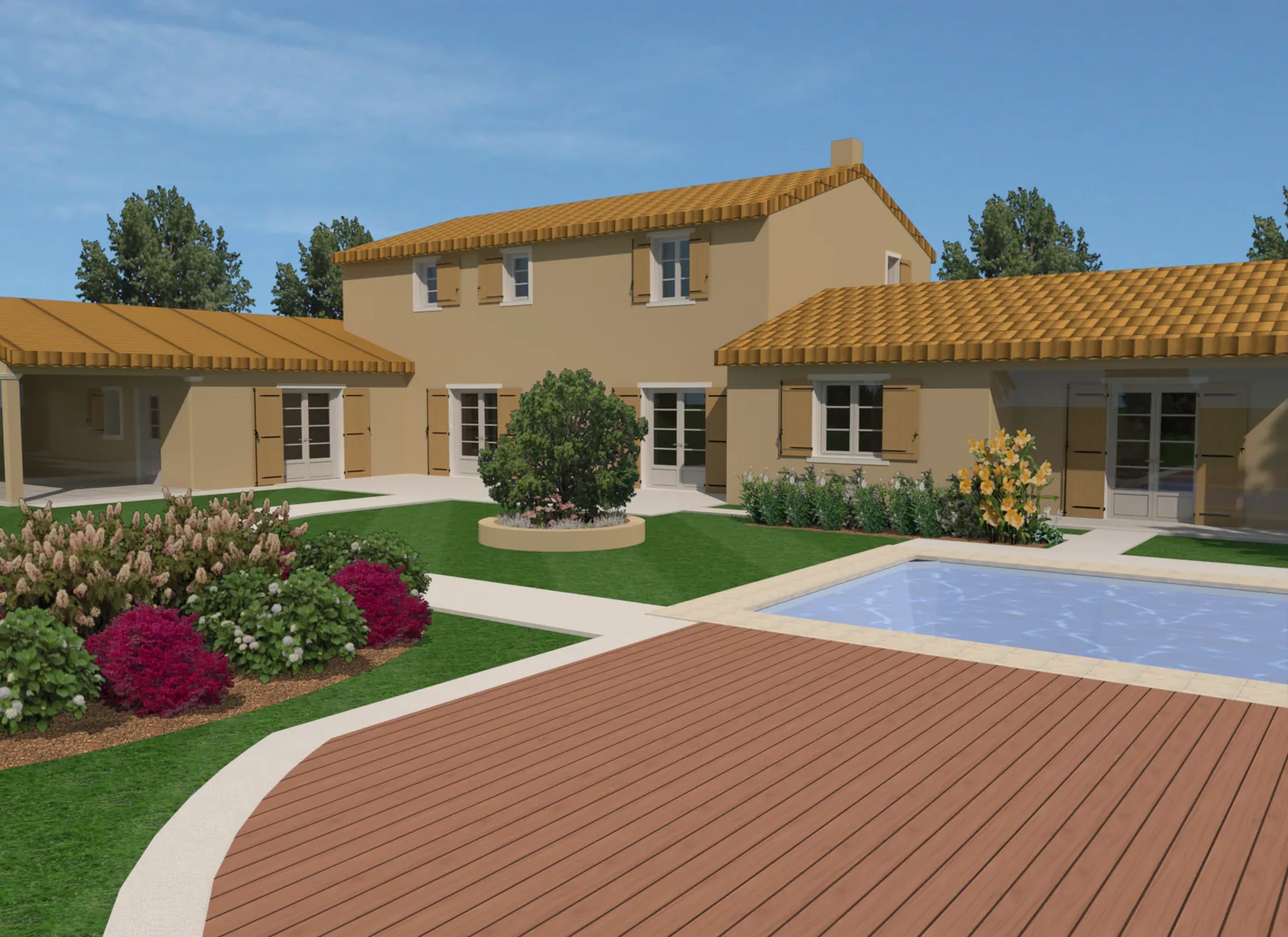
Design the house. Hand over the model.
Version 27 hands your design to architects, engineers and builders in the formats they already use, and runs natively on the newest Macs.
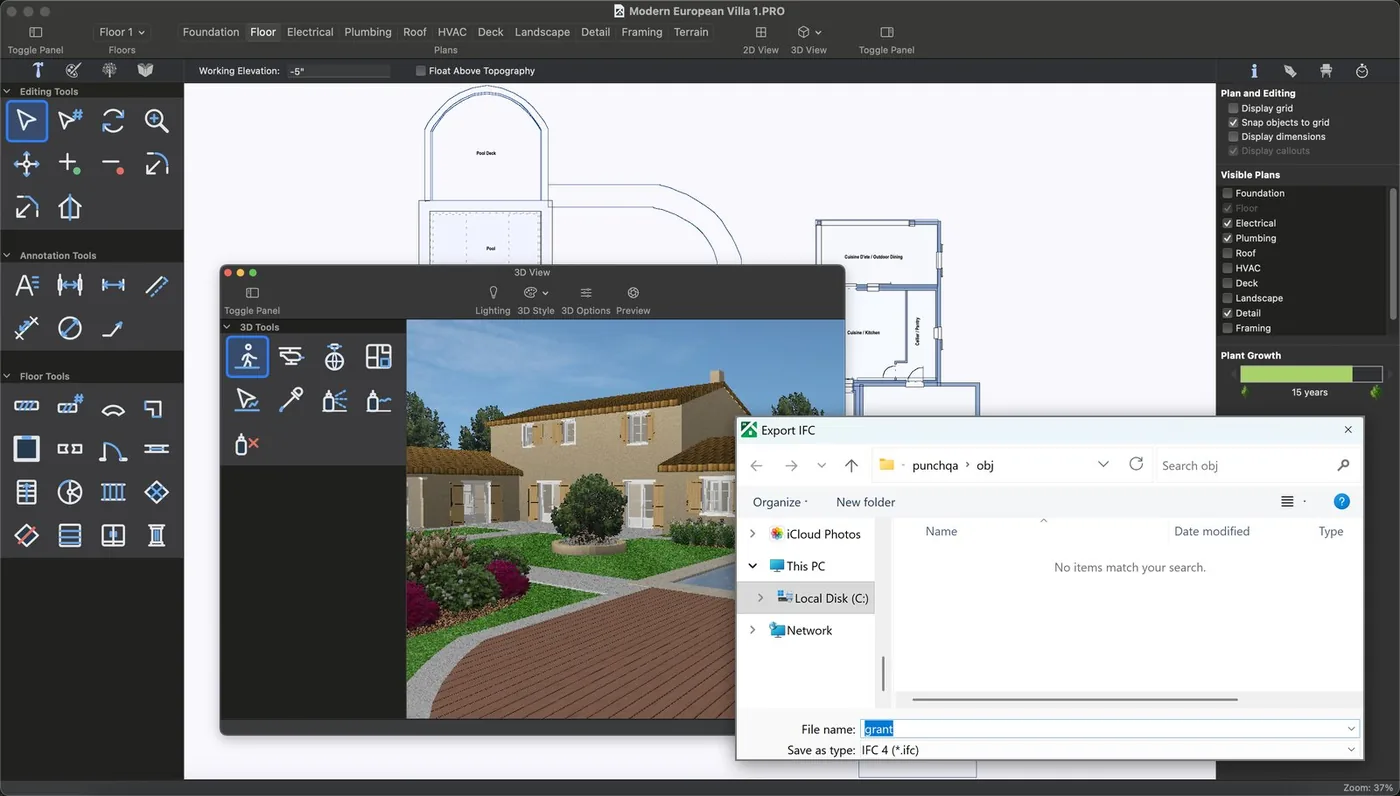
Export IFC (BIM) models
Send the whole house, walls, slabs, roofs, doors, windows and storeys, as an IFC 4 file. Your architect or engineer opens it in their BIM software as a model, not a picture.
- Storeys and levels carried across
- Room, door and window schedules as CSV
- Choose File > Export > IFC
Professional and Architectural Series. IFC export is a beta feature.
DWG and DXF, in and out
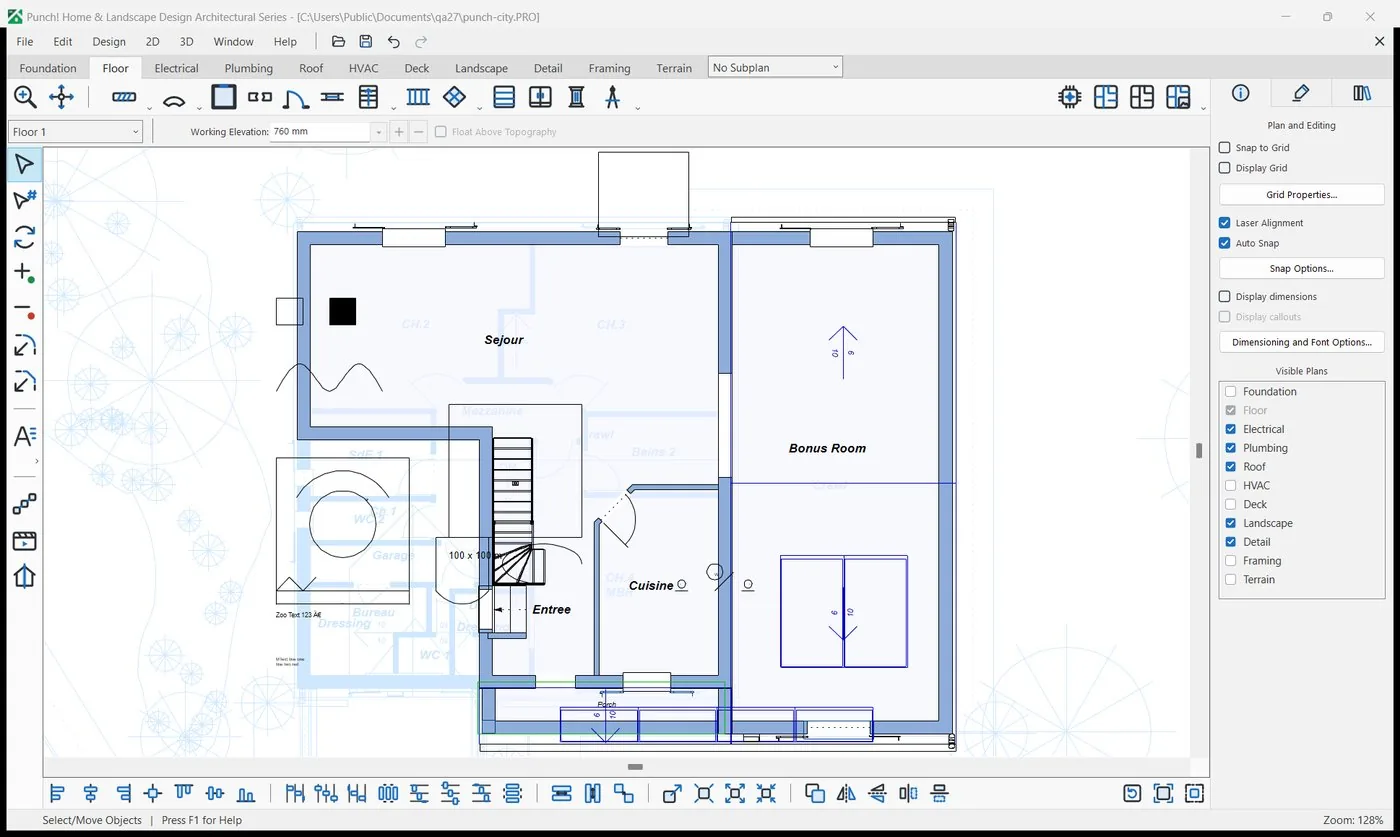
Start from an architect's drawing: import a DWG or DXF under your plan and trace over it, or send your plan back as DWG or DXF for their CAD. Updated import and export engine; large DWG files now import in full on the Mac.
Contractor Pack and Cost Estimate
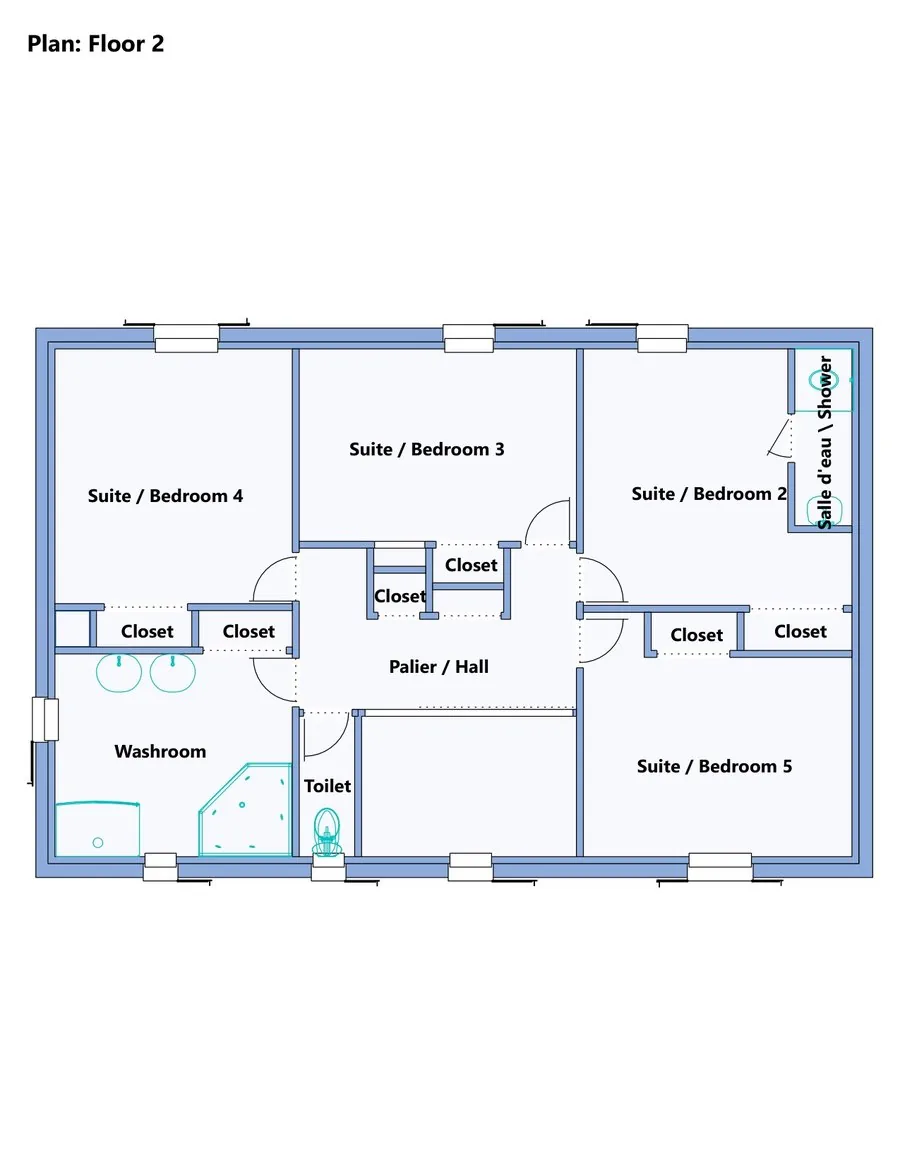
Plans, elevations and door and window schedules in one PDF, plus a room-by-room cost estimate with prices you can edit. Example prices, not a quote.
Native on Apple silicon
Version 27 for Mac is a native Apple silicon app (M1 and later), built for macOS 13.3 and later. Mac owners go straight from 22 to 27.
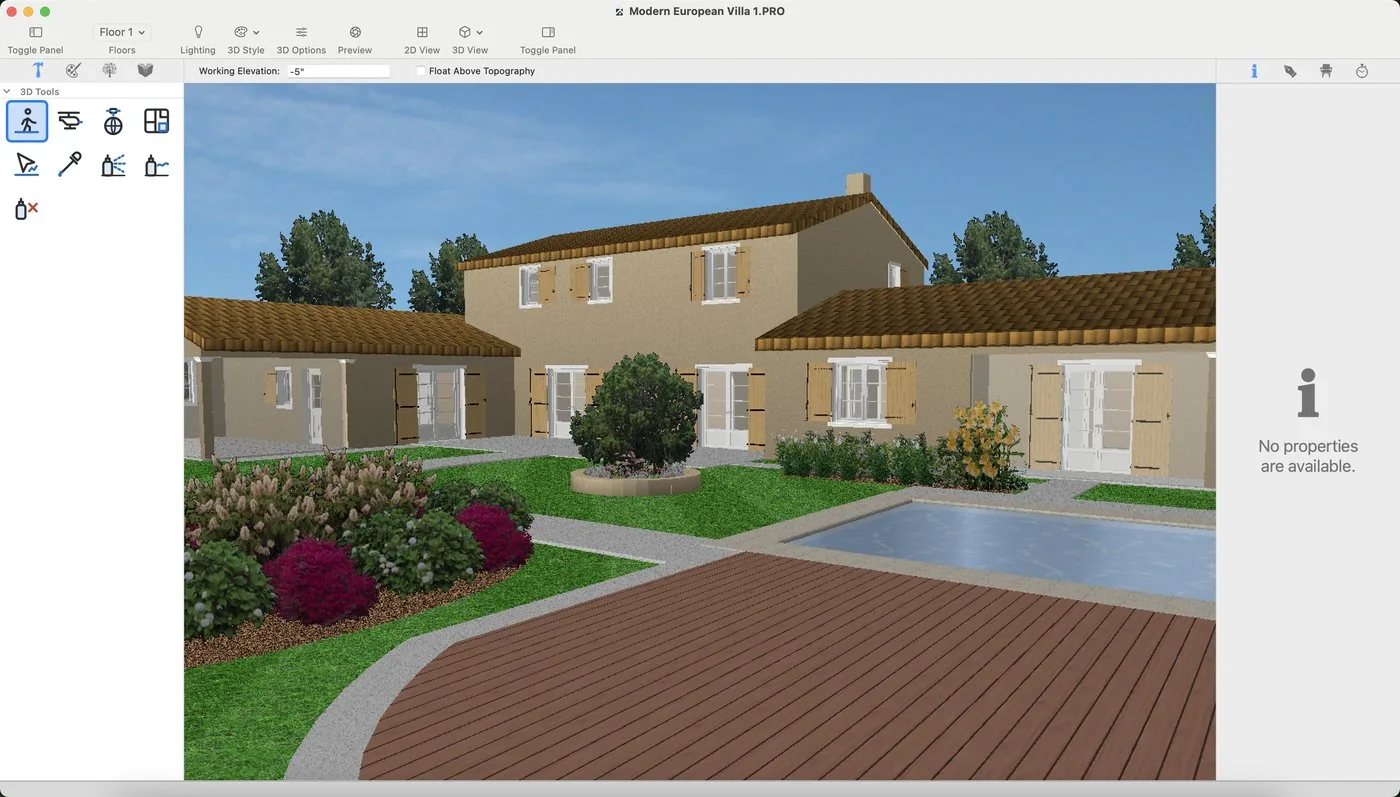
Landscape that follows the land
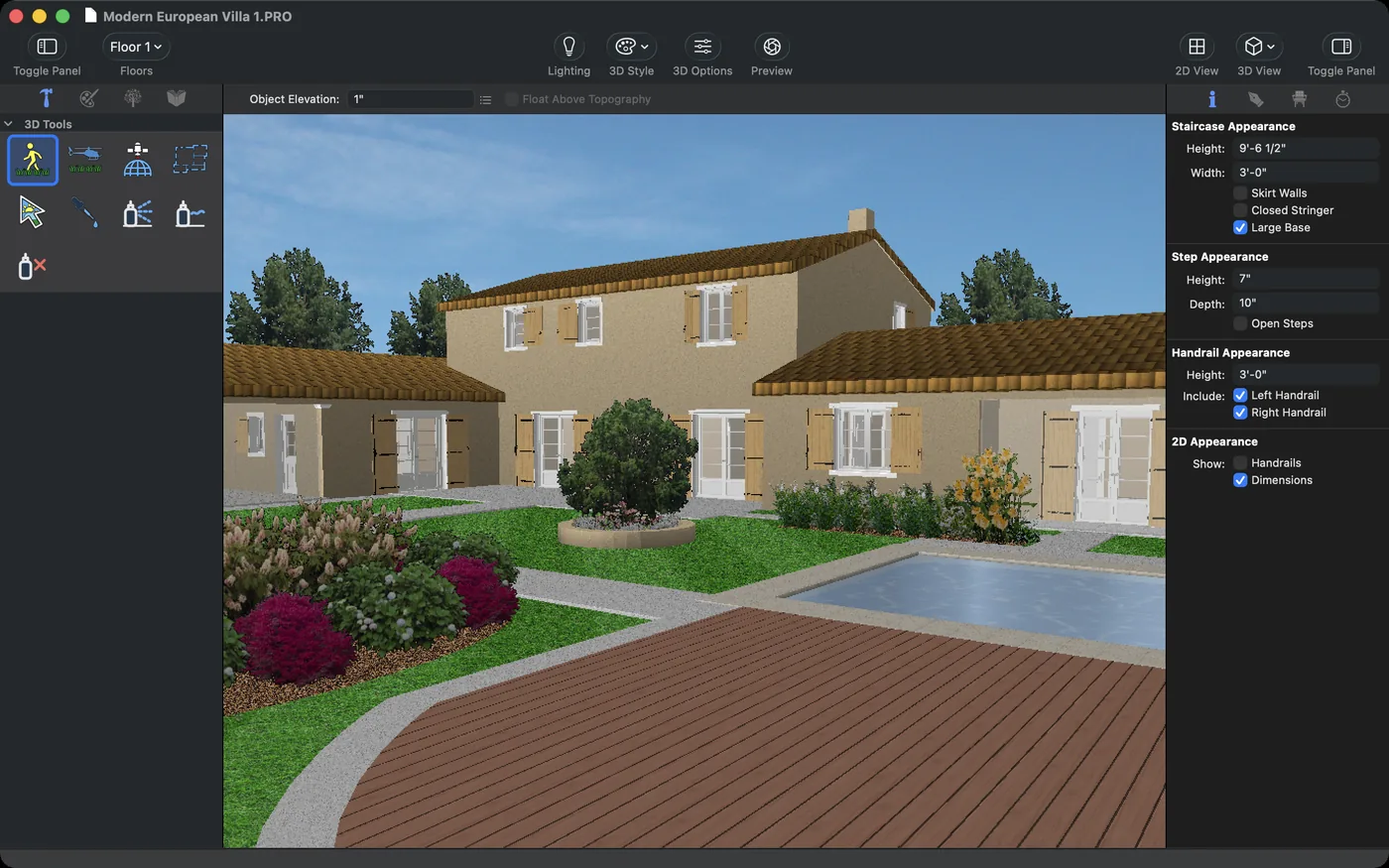
Cut the lot around the house, pool and paths, lay paths and fills with real thickness on the terrain, and run continuous edging with several profiles.
Studio, Professional, Architectural Series
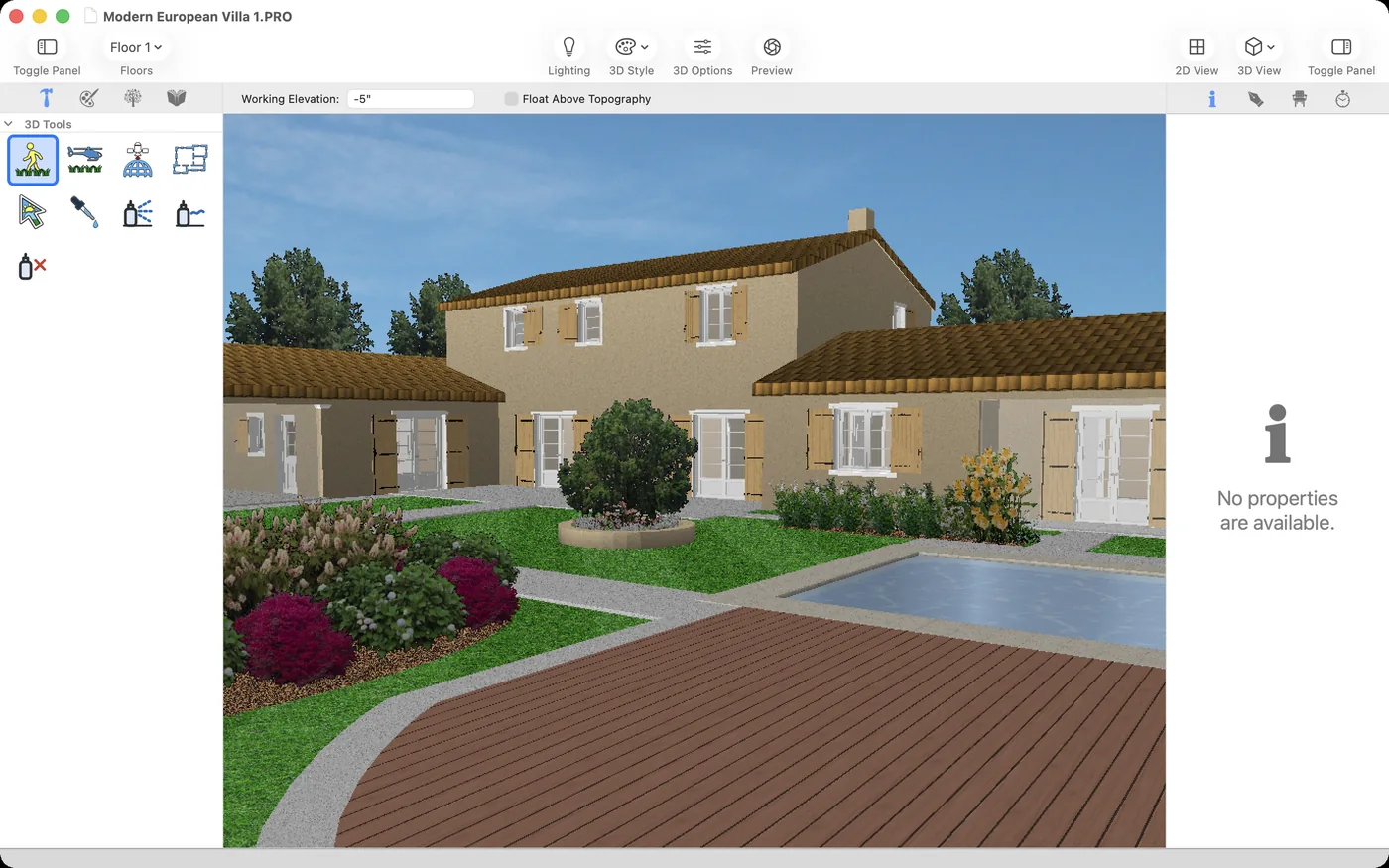
Photo-real renders with LuxCore
Pick a preset from Draft to Best and let the render run, with real light, shadow and materials.
Professional and Architectural Series; LuxCore 2.0 add-on for the other editions
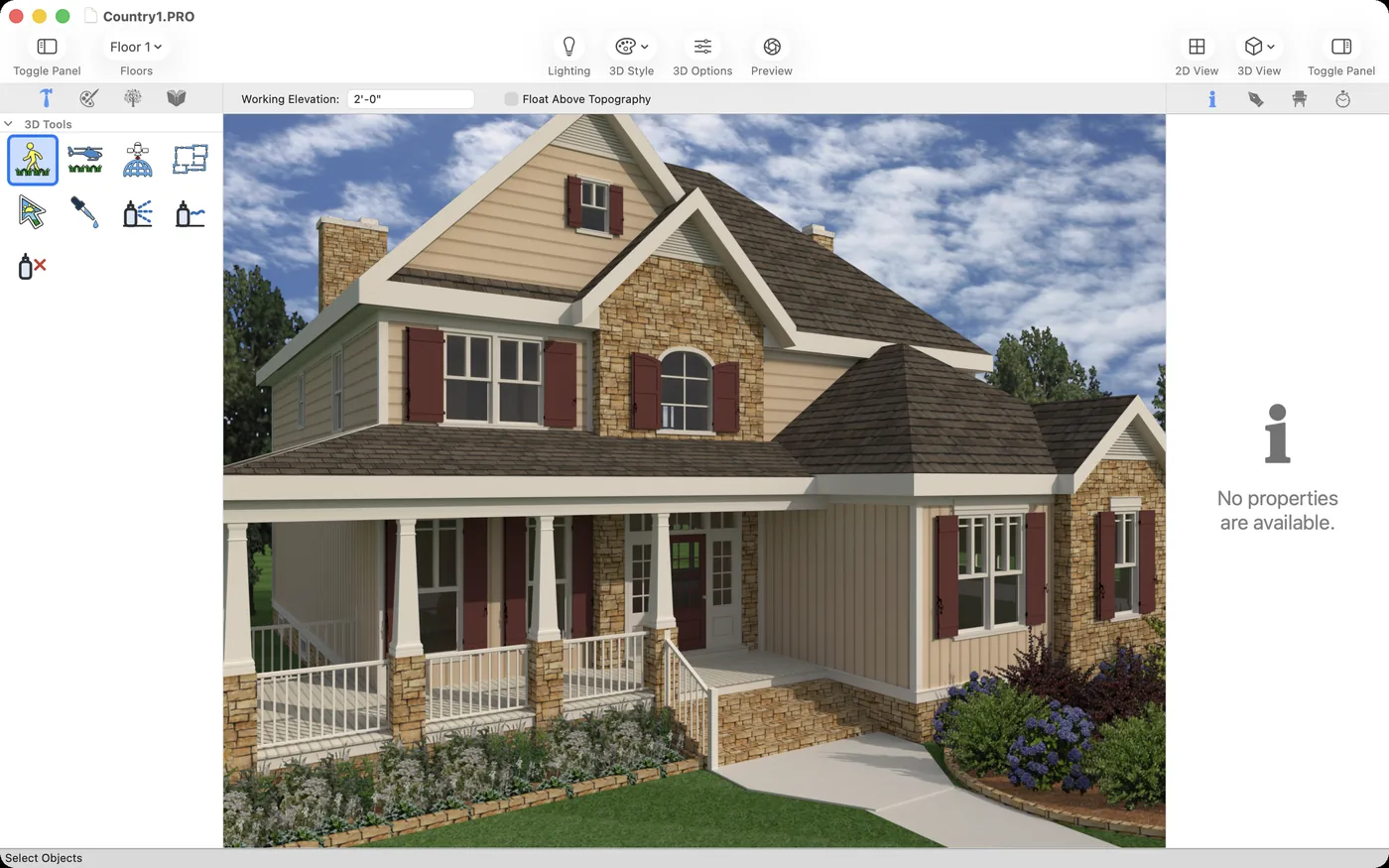
Bring in more models
3DS models with their textures, SketchUp models saved to your library, a whole folder at once, and 3D text for signs and house numbers.
All editions; 3DS needs Custom WorkShop Pro 2.0
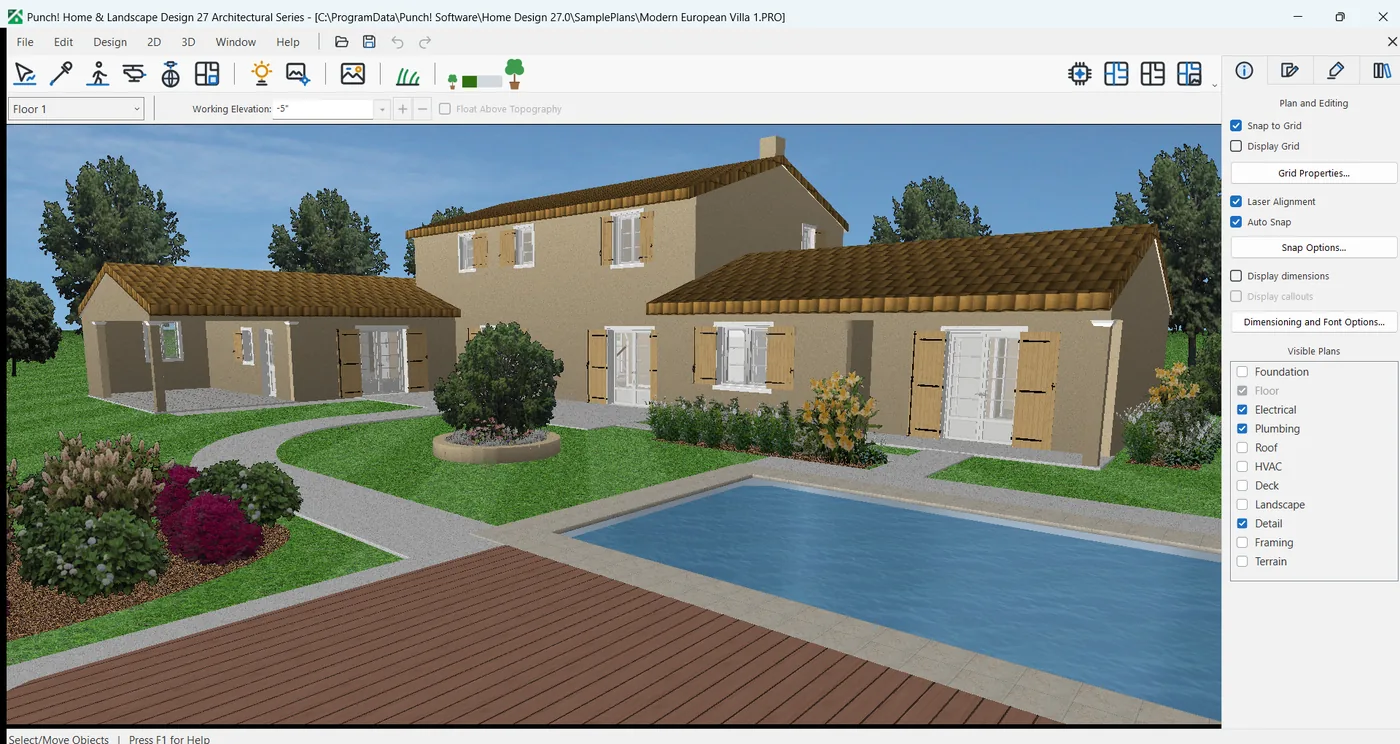
A new start
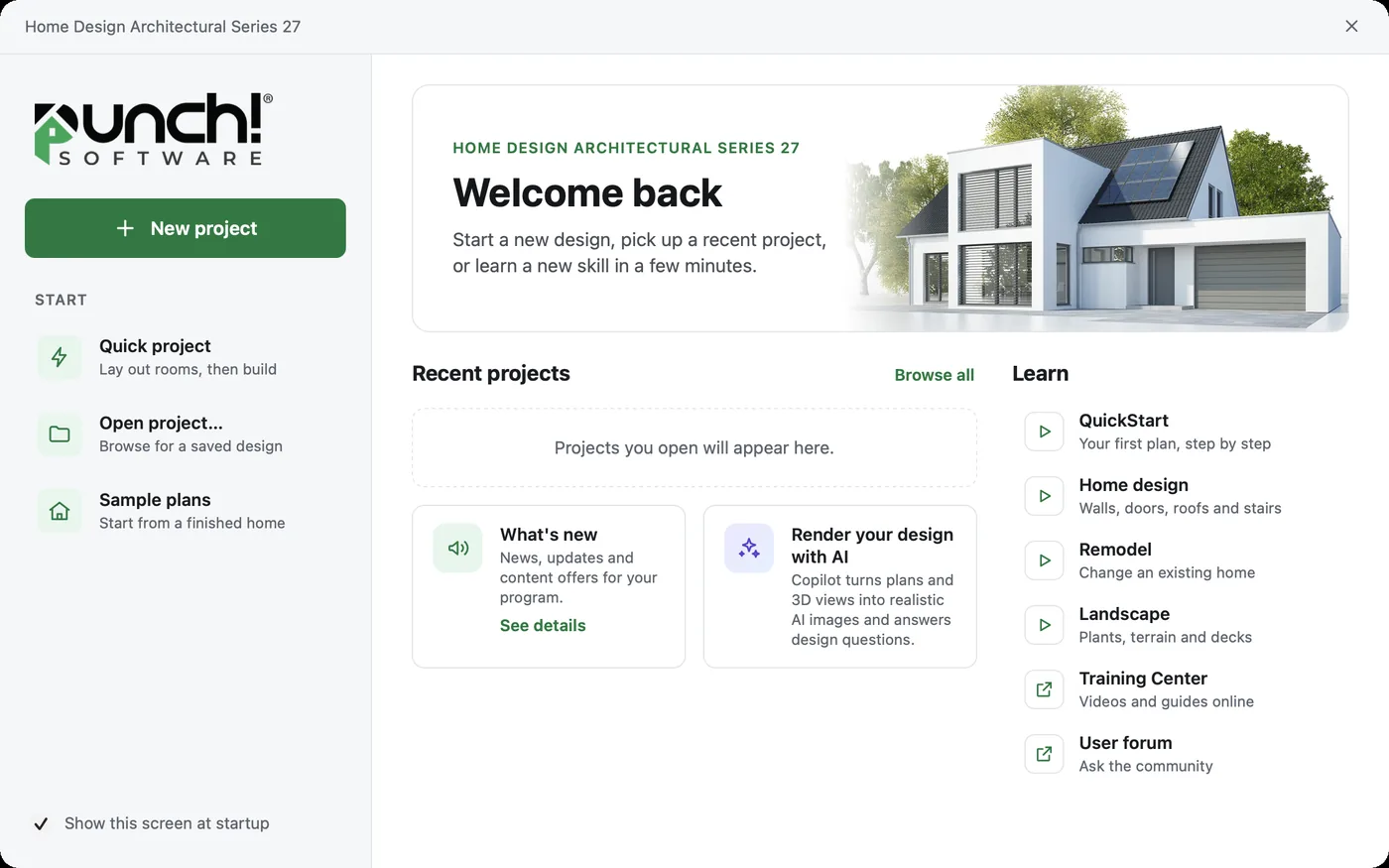
The Welcome screen shows recent projects, sample plans and learning links, and unsaved work is offered back after a crash.
All editions
Easier on the eyes
Search in Preferences, a dark appearance, and sharper icons and dialogs on high-resolution screens. Walk through a design as an MP4 video, and export glTF (GLB) for web, AR and VR viewers (glTF on Windows).
New in 27, edition by edition
| Feature | Express | Essentials | Studio | Professional | Architectural Series |
|---|---|---|---|---|---|
| IFC (BIM) export, beta | – | – | – | ✓ | ✓ |
| Landscape that follows the land | – | – | ✓ | ✓ | ✓ |
| LuxCore photo-real renders | Add-on | Add-on | Add-on | ✓ | ✓ |
| SketchUp to library, folder import, 3D text | ✓ | ✓ | ✓ | ✓ | ✓ |
| 3DS models with textures | With CWP 2.0 | With CWP 2.0 | With CWP 2.0 | With CWP 2.0 | With CWP 2.0 |
| New Welcome screen and work recovery | ✓ | ✓ | ✓ | ✓ | ✓ |
Already use Punch!?
Upgrade from any version since 2021, Windows or Mac 22.