
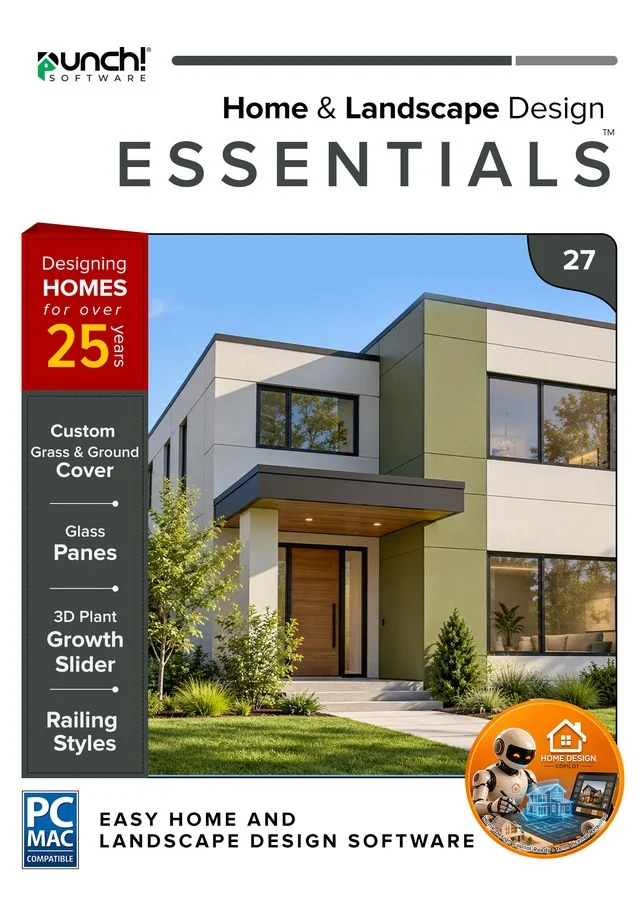
Home & Landscape Design 27 Mac
Essentials
Punch! Home & Landscape Design Essentials 27 for Mac — 1-year term
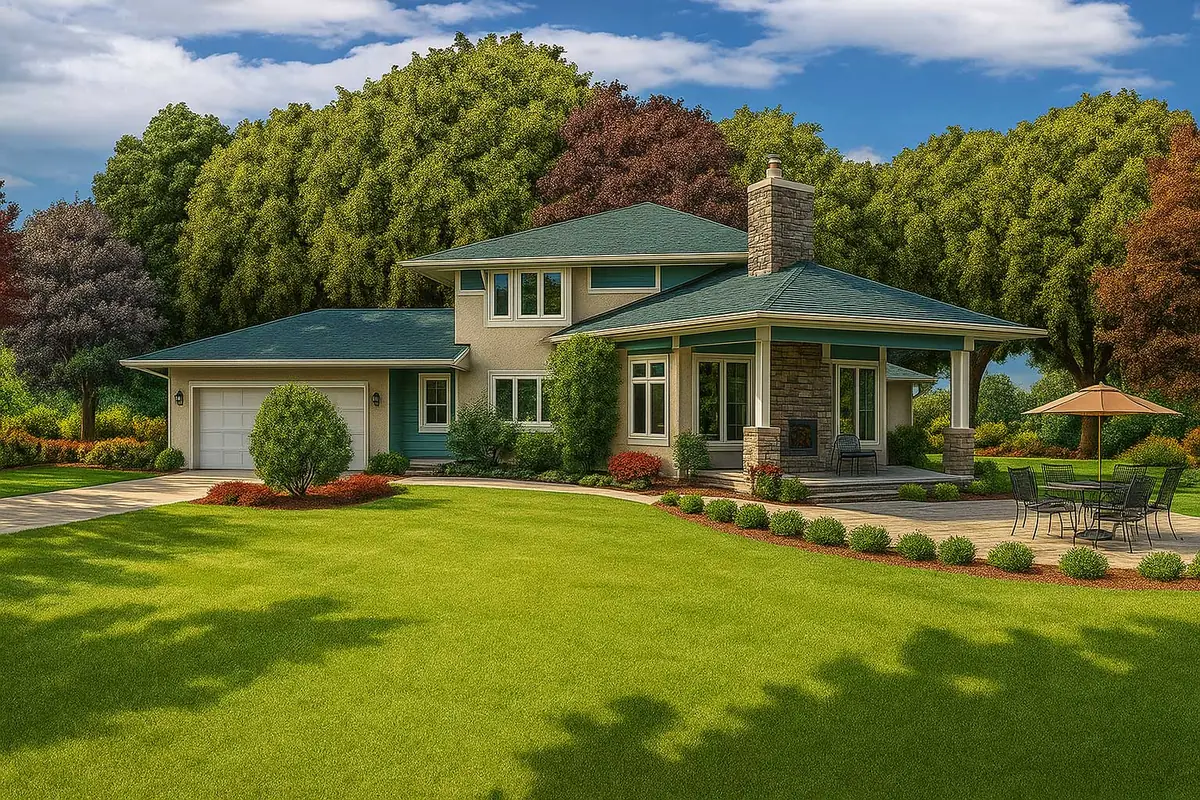
Remodel on a photo of your own house.
- Instant download and licence key by email
- 30-day refund on unactivated licences
- 12 months of support included
New in 27 · for the people you build with
New in 27: hand the builder the model.
Version 27 hands your design to architects, engineers and builders in the formats they already use, and runs natively on the newest Macs.
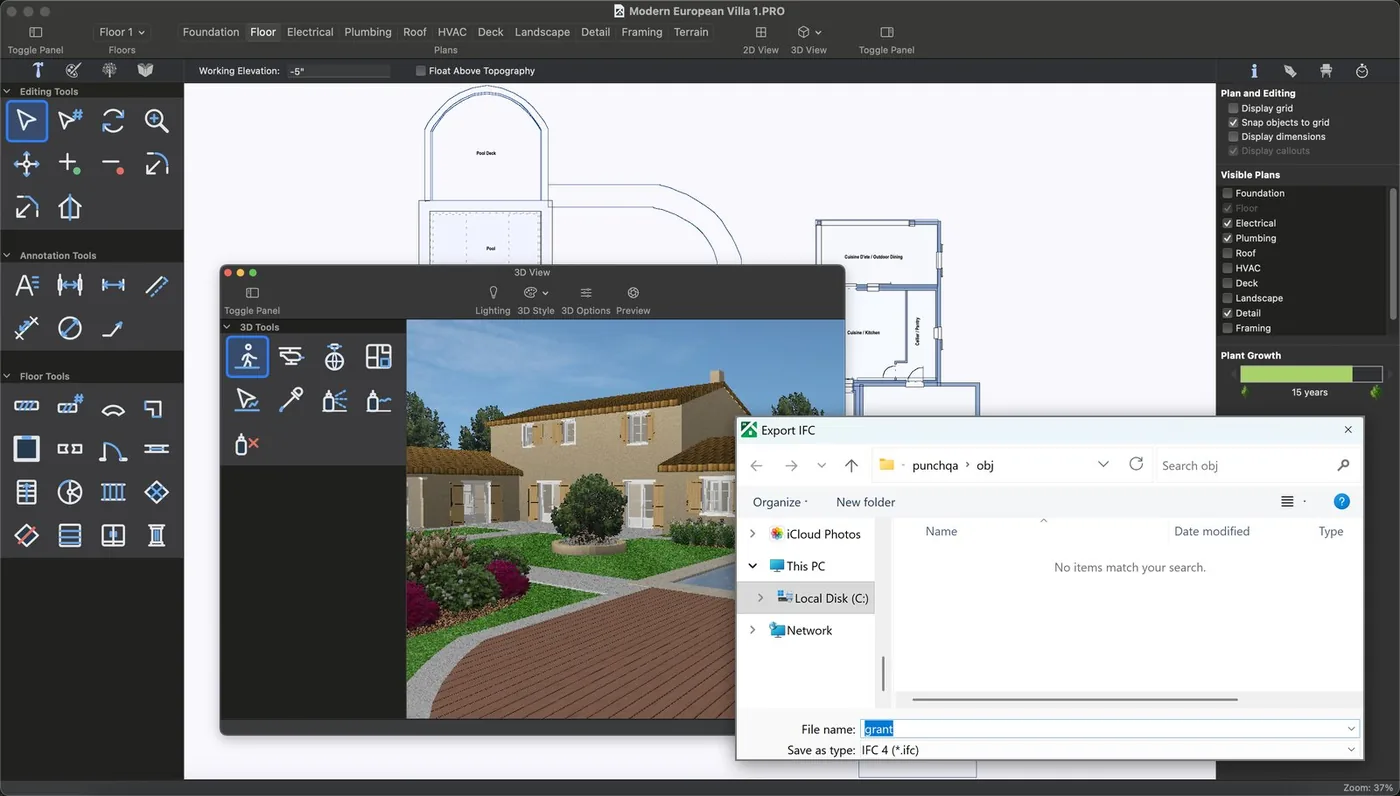
Export IFC (BIM) models
Send the whole house, walls, slabs, roofs, doors, windows and storeys, as an IFC 4 file. Your architect or engineer opens it in their BIM software as a model, not a picture.
- Storeys and levels carried across
- Room, door and window schedules as CSV
- Choose File > Export > IFC
Professional and Architectural Series. IFC export is a beta feature.
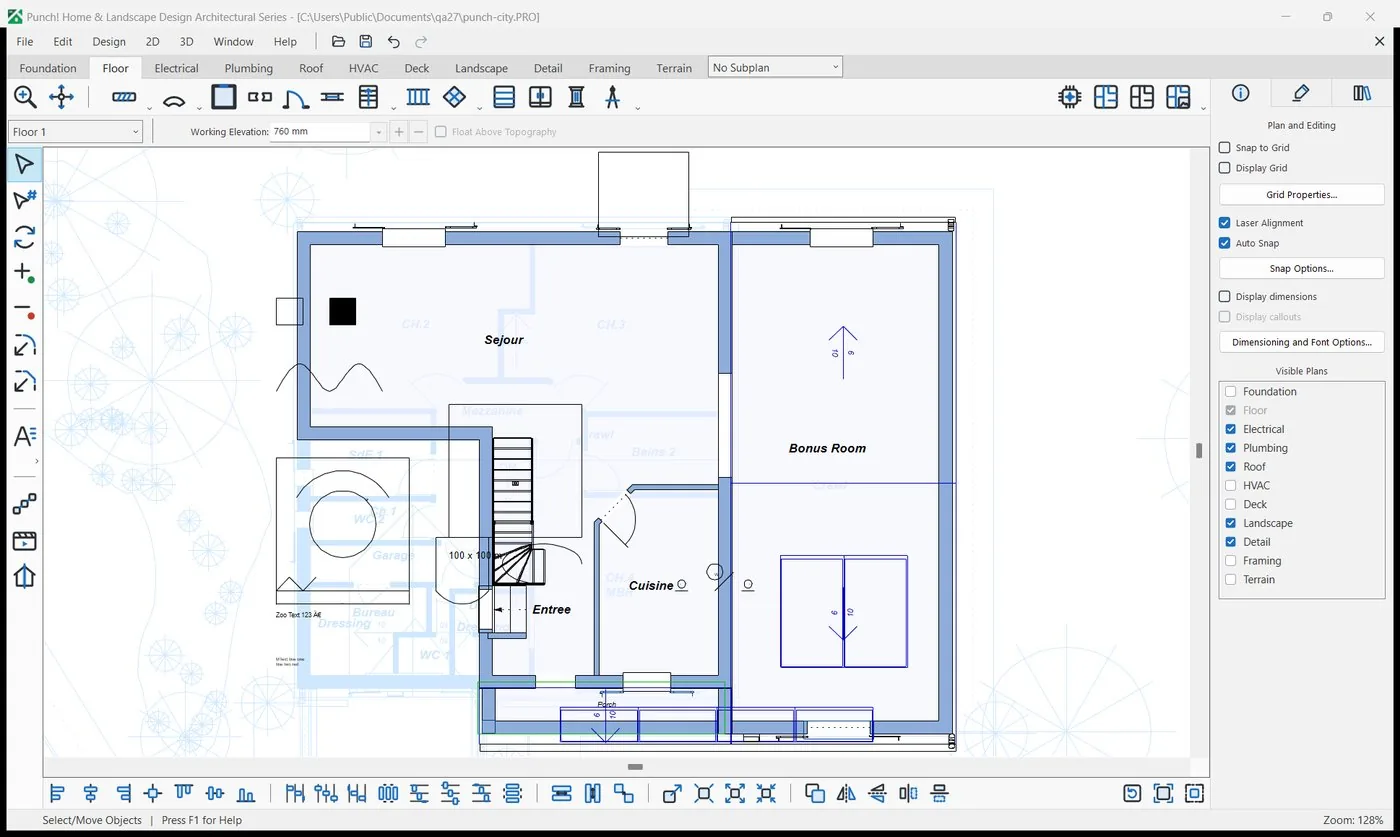
DWG and DXF, in and out
Start from an architect's drawing: import a DWG or DXF under your plan and trace over it, or send your plan back as DWG or DXF for their CAD. Updated import and export engine; large DWG files now import in full on the Mac.
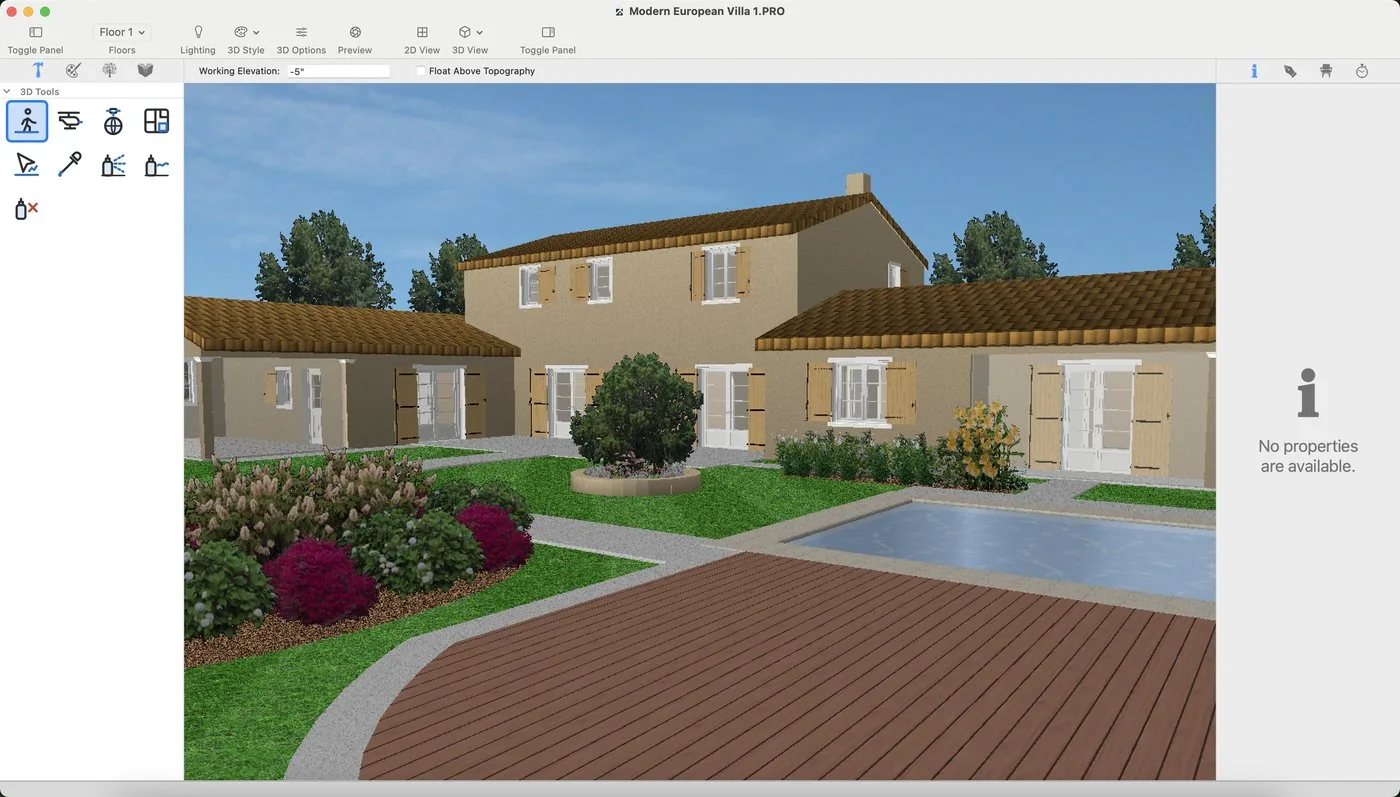
Native on Apple silicon
Version 27 for Mac is a native Apple silicon app (M1 and later), built for macOS 13.3 and later. Mac owners go straight from 22 to 27.
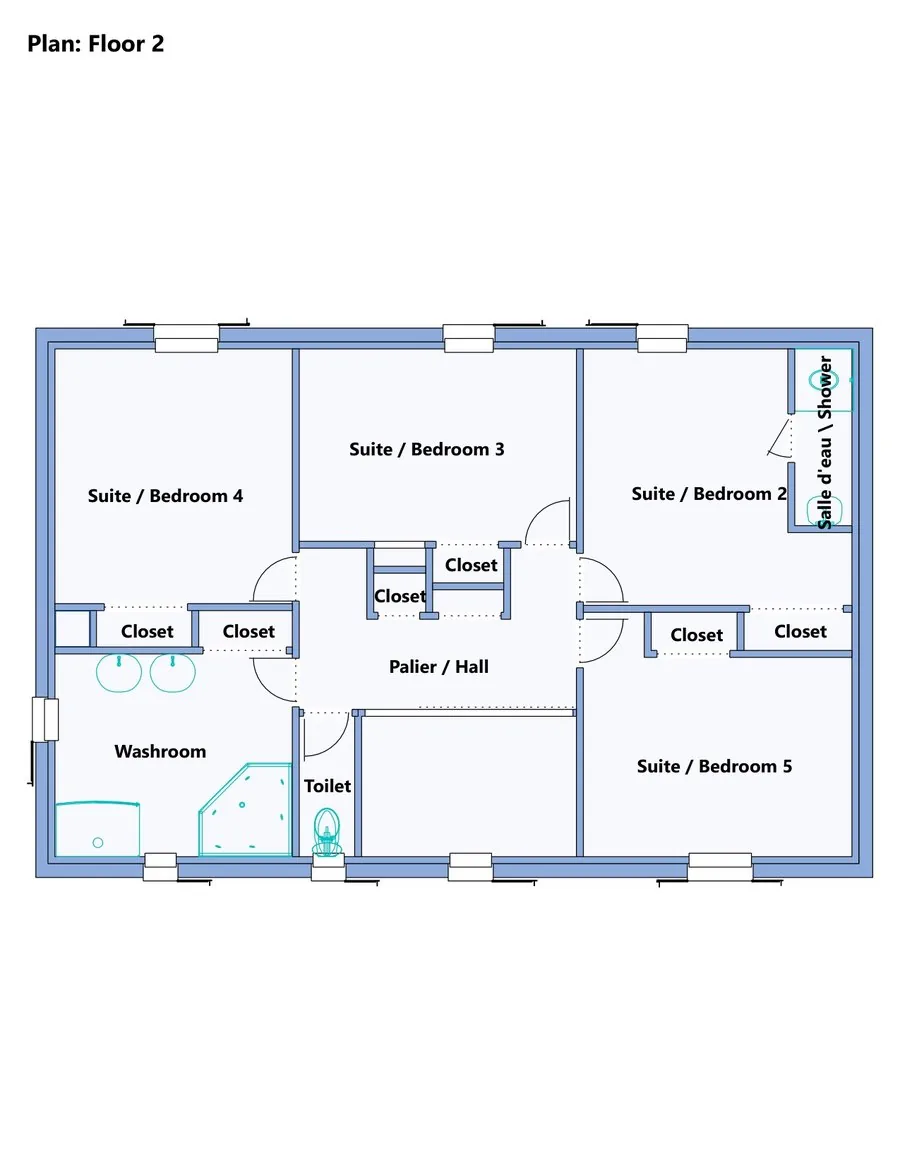
Contractor Pack and Cost Estimate
Plans, elevations and door and window schedules in one PDF, plus a room-by-room cost estimate with prices you can edit. Example prices, not a quote.
Overview
Remodel on a photo of your own house.
Core home design for homeowners taking on a remodel or a yard. Start from a photo of your own house with PhotoView, trace one of 250 plans, and price the job room by room as you go.
- Floors
- 4
- House plans
- 250
- 3D objects
- 2,044
Made for
- Remodels and renovations
- Curb appeal on a photo
- Cost planning
- Interior updates
- Yards and patios
- Tracing an existing plan
Licensing
Plain-language licensing
Questions