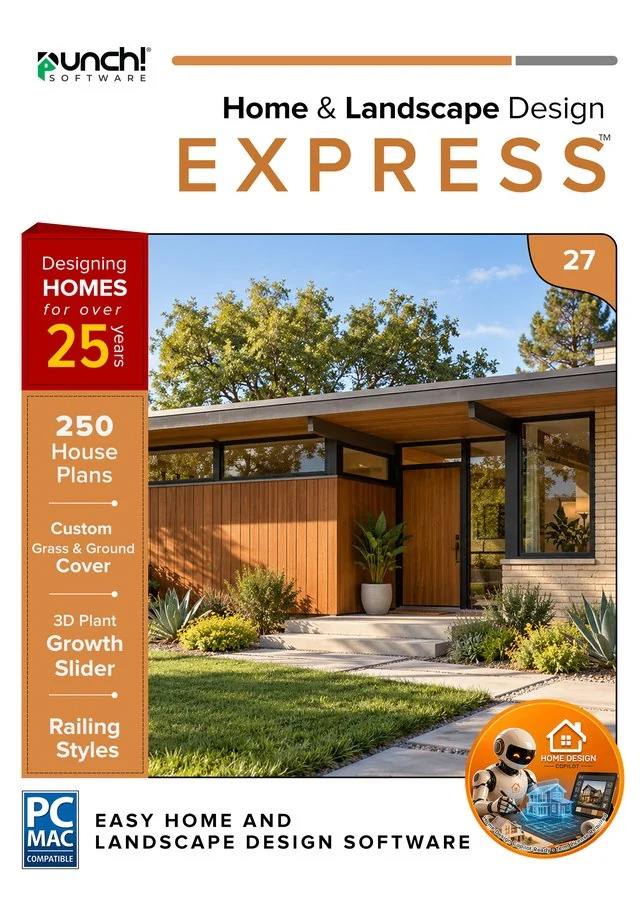
Home & Landscape Design 27 Windows
Express
Punch! Home & Landscape Design Express 27 for Windows — 1-year term
Design, furnish and decorate in 3D.
- Instant download and licence key by email
- 30-day refund on unactivated licences
- 12 months of support included
New in 27 · for the people you build with
New in 27: hand the builder the model.
Version 27 hands your design to architects, engineers and builders in the formats they already use, and runs natively on the newest Macs.
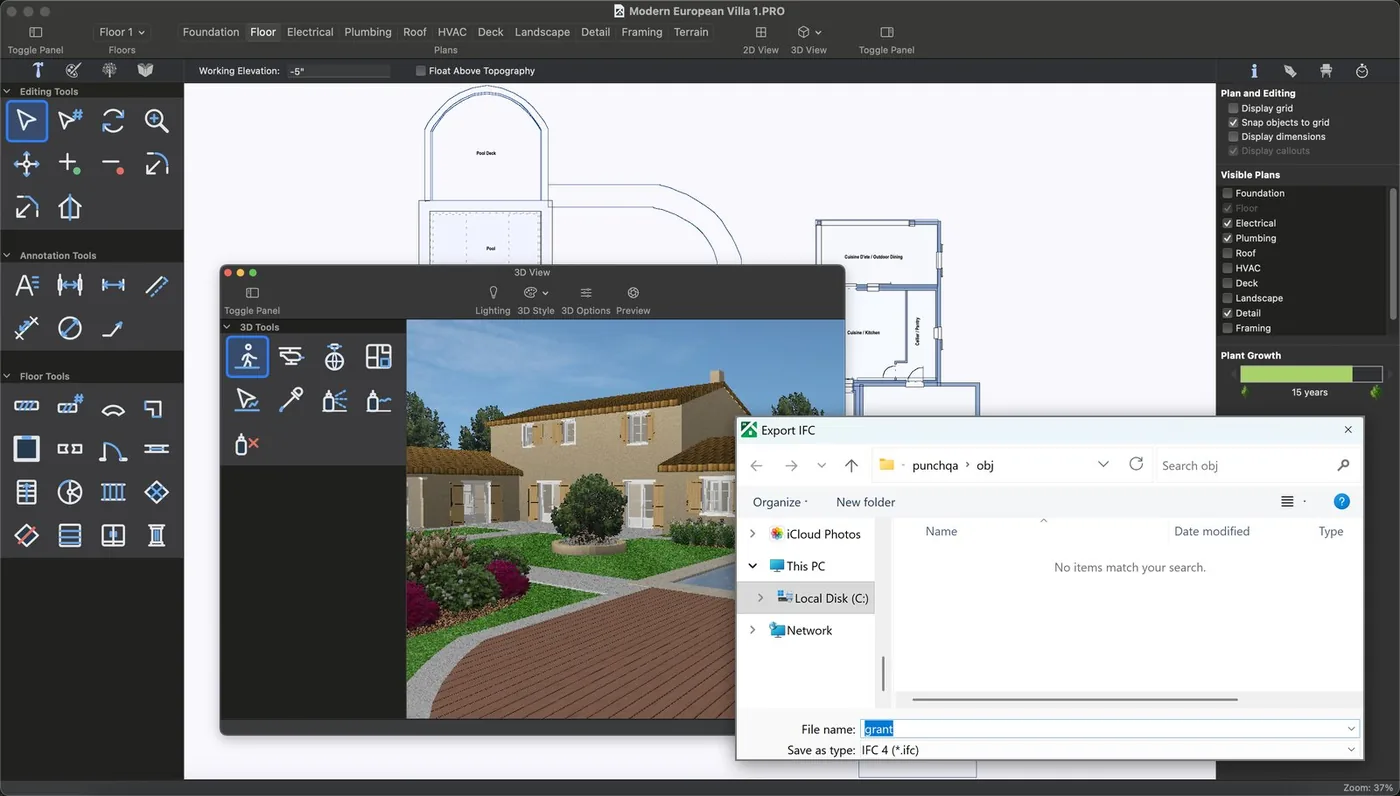
Export IFC (BIM) models
Send the whole house, walls, slabs, roofs, doors, windows and storeys, as an IFC 4 file. Your architect or engineer opens it in their BIM software as a model, not a picture.
- Storeys and levels carried across
- Room, door and window schedules as CSV
- Choose File > Export > IFC
Professional and Architectural Series. IFC export is a beta feature.
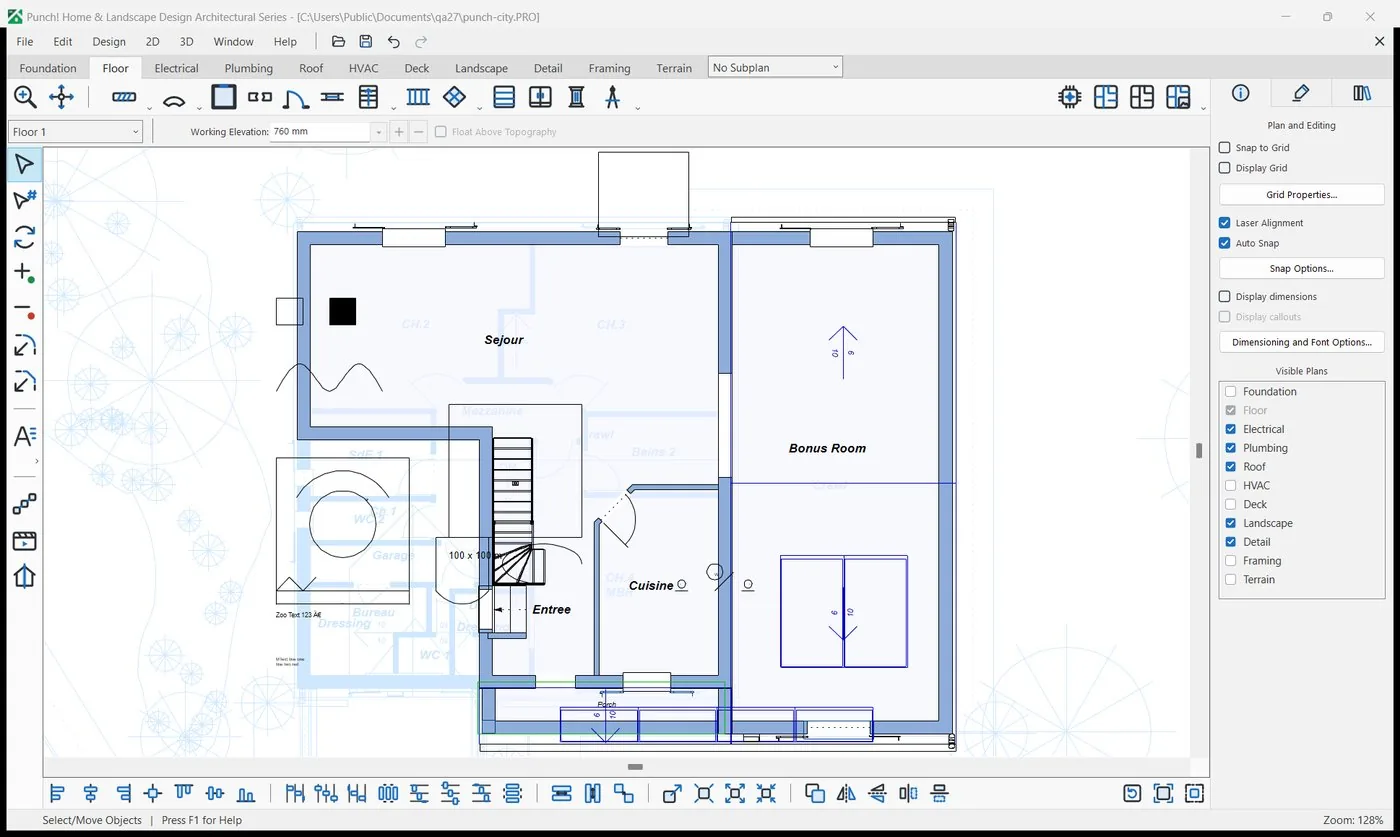
DWG and DXF, in and out
Start from an architect's drawing: import a DWG or DXF under your plan and trace over it, or send your plan back as DWG or DXF for their CAD. Updated import and export engine; large DWG files now import in full on the Mac.
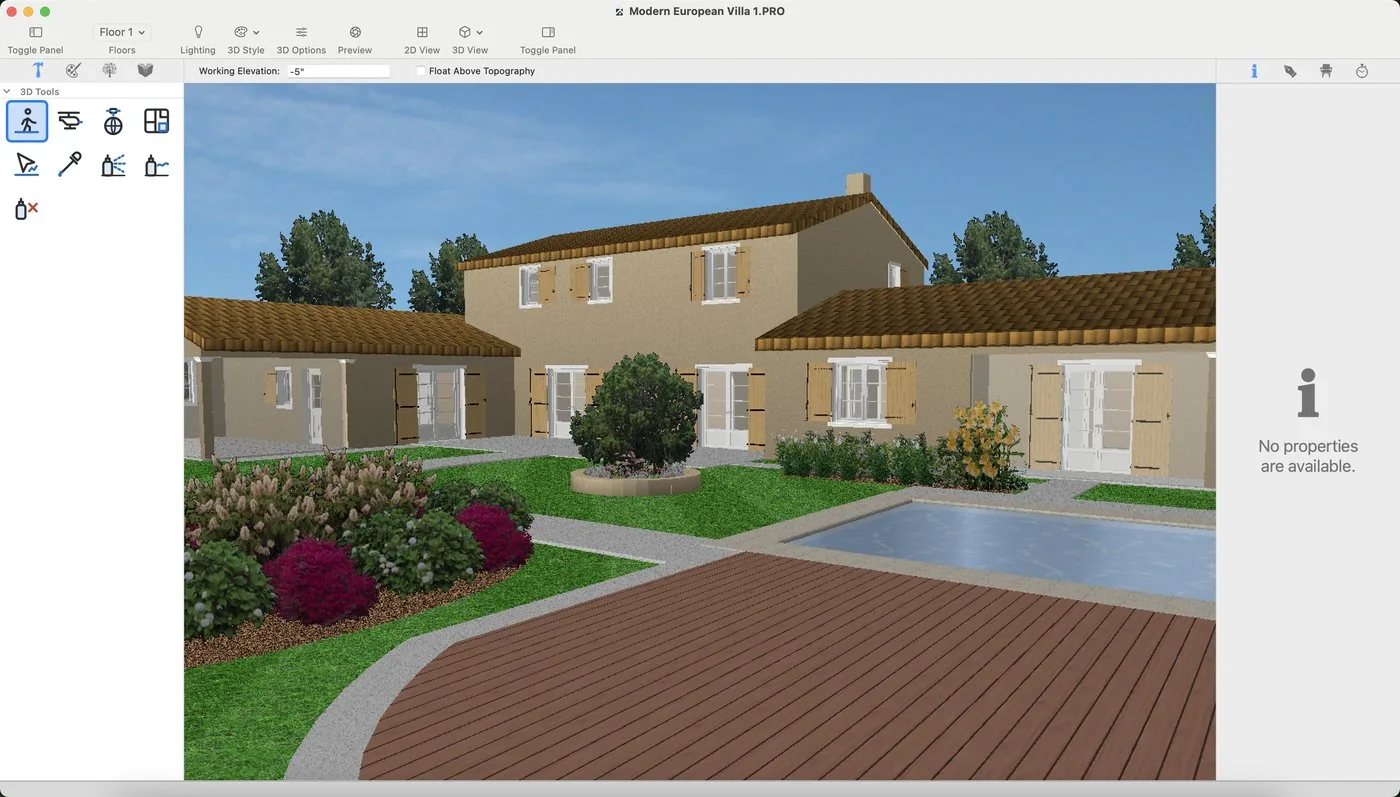
Native on Apple silicon
Version 27 for Mac is a native Apple silicon app (M1 and later), built for macOS 13.3 and later. Mac owners go straight from 22 to 27.
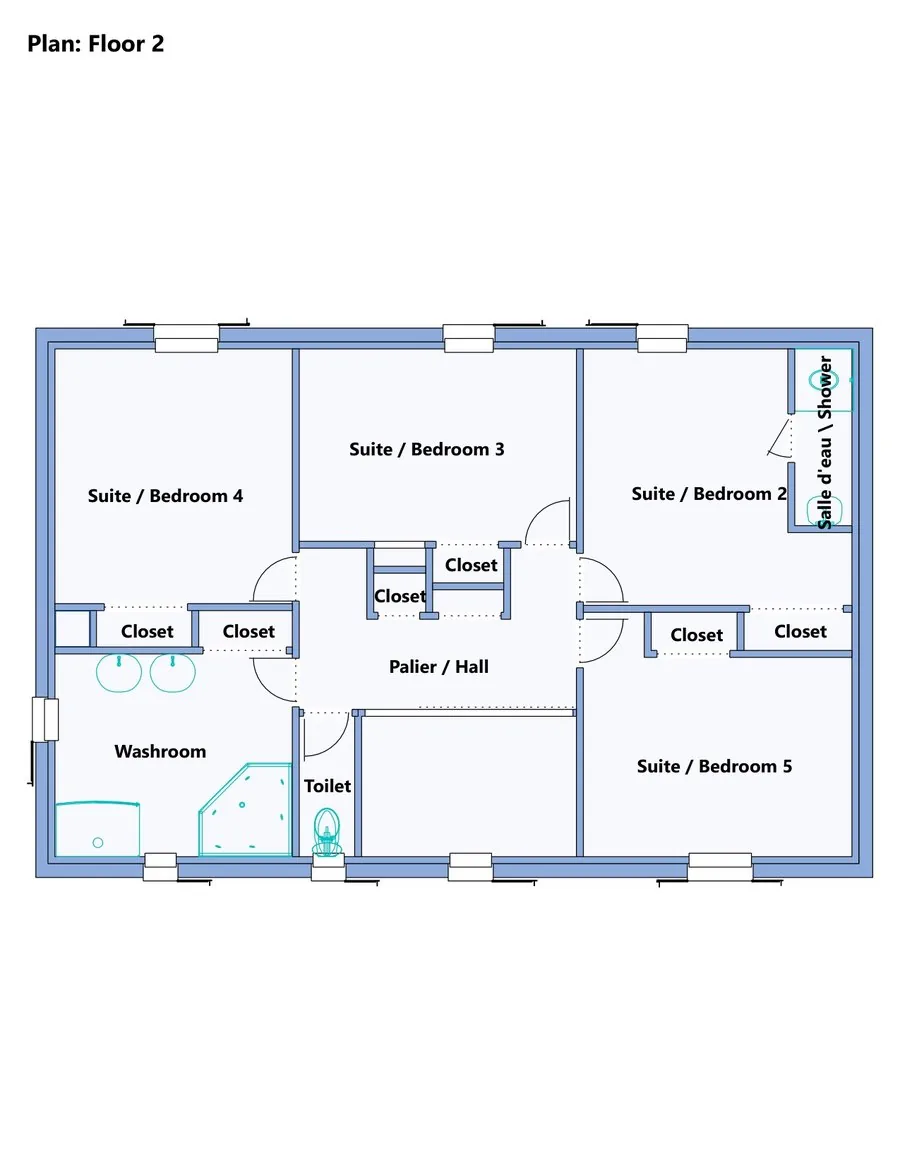
Contractor Pack and Cost Estimate
Plans, elevations and door and window schedules in one PDF, plus a room-by-room cost estimate with prices you can edit. Example prices, not a quote.
Overview
Design, furnish and decorate in 3D.
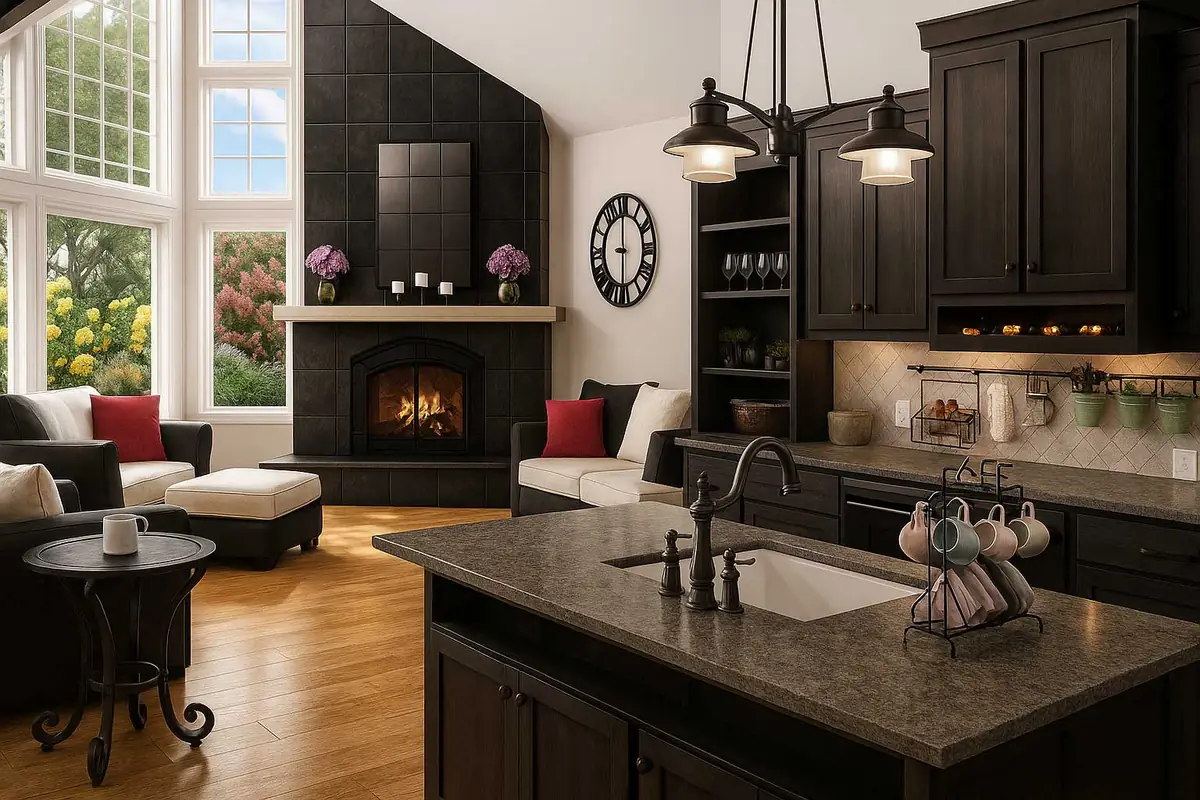
Designed for home-improvement newcomers. Plan room by room from the basement to the loft, drop in furniture, cabinets and plants, then take a virtual tour — no design experience needed.
- Floors
- 4
- House plans
- —
- 3D objects
- 2,044
Made for
- Furnishing a room
- Trying paint and flooring
- Kitchen layouts
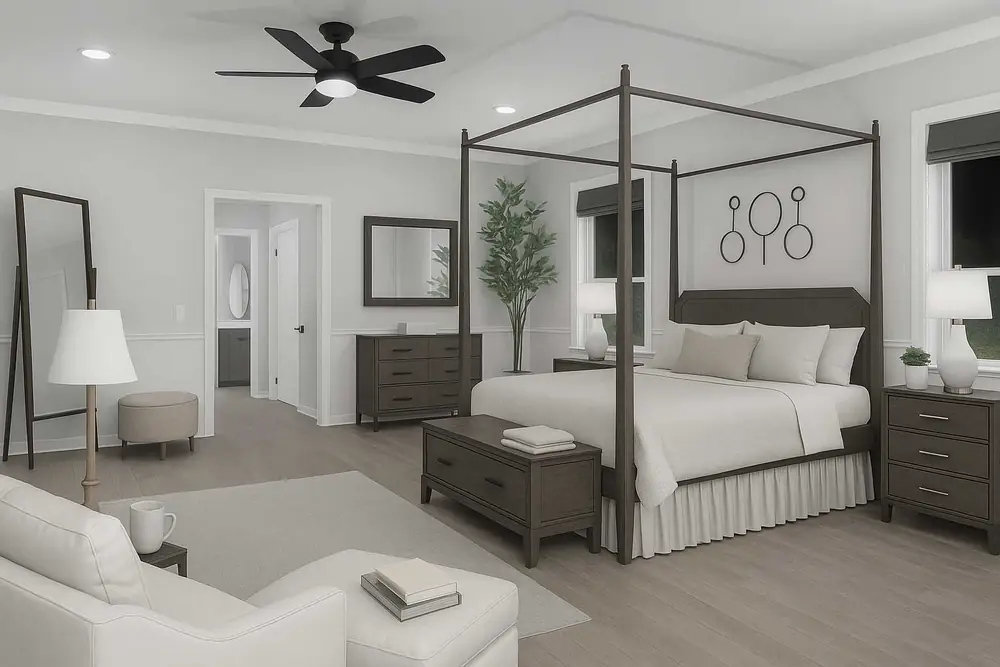
- Bedroom makeovers
- Small decks
- First garden plans
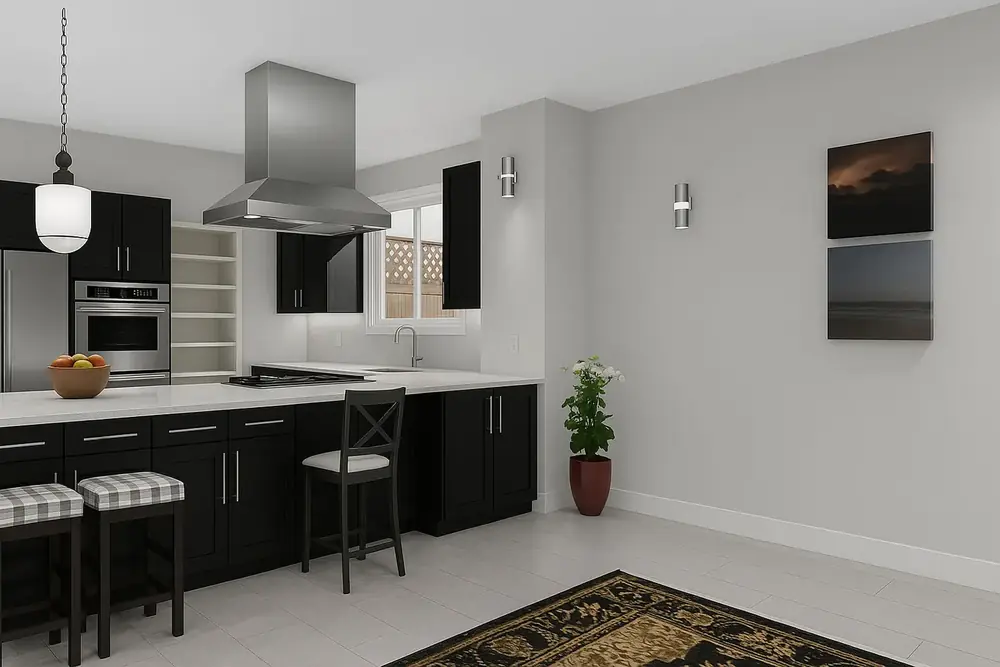
Every feature in this edition
Compare with the other editionsNew in version 279
- DWG and DXF, in and out (updated)
- Share in 3D and View in AR, beta
- glTF (GLB) export for web, AR and VR viewers
- Photo-real renders with LuxCoreadd-on
- Bring in more models
- New Welcome screen
- Easier on the eyes
- Native on Apple silicon
- Version 27 for Windows and for Mac
Home Design12
- Advanced 2D Drawing Engine
- Custom Rich Text
- Material Editor
- Window Shutters
- Double Doors and Mounting Options
- Advanced Floor Management4 floors
- Floor Plan Trace
- Online Training Center
- Electrical Planner
- Instant 3D Views
- Metric and Imperial Measurements
- Enhanced Deck, Railing and Stair Options
Interior Design3
- Included 3D Objects*2044
- Over 7640+ Materials
- Cabinet Tool
Landscape Design7
- 2D Plant Symbols
- Customizable Plant Sizing
- Over 4000+ Plants
- Landscape and Patio Groupings
- Deck Layout Tools
- Enhanced Deck Railing and Stair Options
- Green Region Tool
Other Features13
- Library Navigation and Preview Control
- Interface Color Customization
- Download Packs for 3D Objects, textures and more
- Point Selection Highlight Guides
- Drag and Drop into 3D
- Multiple Monitor Support
- Realmodel
- Note Markers
- Additional Print Scales
- CAD Detail Tool
- Duplicate Shape, Shrink/Expand
- Quick Edit Shortcuts
- Default Design Settings Templates
Visualization4
- Batch Rendering 3D Views
- 2D & 3D
- 3D Navigation
- PBR Material Download Packs
Interoperability7
- Import DXF/DWG (2D)
- Export DXF/DWG
- PDF Import 2D
- Sketchup Import
- 3DS Import
- Import Material
- Import Plant
Home Design Copilot (add-on)3
- Home Design Copilot RenderingCopilot
- Home Design Copilot HelpCopilot
- Copilot Texture and Plant GenerationCopilot
New in version 27
What’s new
Send the whole house, walls, slabs, roofs, doors, windows and storeys, as an IFC 4 file your architect or engineer opens in BIM software as a model. Room, door and window schedules as CSV.
Plans, elevations and door and window schedules in one PDF, plus a room-by-room cost estimate with prices you can edit. Example prices, not a quote.
Updated import and export engine: trace over an architect’s drawing or send your plan back for their CAD. Large DWG files now import in full on the Mac.
Send a link and QR code that opens your model in 3D on a phone or tablet, and in AR where the device supports it. Links last 30 days.
Version 27 for Mac is a native Apple silicon app (M1 and later), for macOS 13.3 and later. Mac owners go straight from 22 to 27.
Cut the lot around the house, pool and paths, lay paths and fills with real thickness on the terrain, and run continuous edging with several profiles.
3DS models with their textures, SketchUp models saved to your library, a whole folder at once, and 3D text for signs and house numbers.
Pick a preset from Draft to Best and let the render run: real light, shadow and materials.
The Welcome screen shows recent projects, sample plans and learning links, and unsaved work is offered back after a crash.
Search in Preferences, a dark appearance, and sharper icons and dialogs on high-resolution screens.
Walk through a design as an MP4 video, and export glTF (GLB) for web, AR and VR viewers.
File formats
Open it, share it, print it.
- Sketchup®import
- DXF/DWG Design (2D Only)import · export
- Image to 3D Material Libraryimport
- Image to Plant Libraryimport
- PDF (2D)import
- 3DSimport
System requirements
Runs on
| OS | Windows 10 or 11, 64-bit only |
|---|---|
| Memory | 4 GB (8 GB recommended) |
| Disk | 4 GB free |
| Display | 1024×768 |
| Internet | For activation and updates |
Licensing
Plain-language licensing
Questions
Before you buy
How do I get my software?
Does one licence cover Windows and Mac?
What is the difference between owning it and a term licence?
How do Copilot credits work?
What is your refund policy?
Goes well with