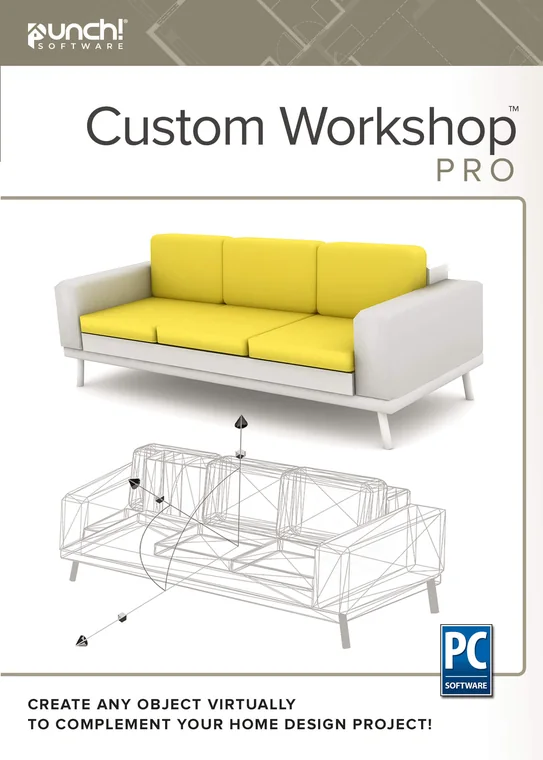
Custom WorkShop Pro

Add-ons

Custom WorkShop Pro

Custom WorkShop Pro

90+ professional CAD tools for your own objects.

Licence
$99.99 one-time · yours to keep

Add to your order

  • Instant download and licence key by email
  • 30-day refund on unactivated licences
  • 12 months of support included

Overview

90+ professional CAD tools for your own objects.

Model custom furniture, fixtures and details with 2D drafting, 3D primitives, extrude, lathe, sweep, Booleans and subdivision tools — and exchange DWG, SketchUp, 3MF, STL and more.

Works withPunch! Home & Landscape Design 26 Professional or Architectural Series for Windows. Included with Mac 22 Professional and Architectural Series.

Features

What you get

2D drafting

Lines, arcs, circles, ellipses, polygons, Bézier splines, fillets and chamfers.

3D modelling

Primitives, extrude, lathe, skin and cover, Booleans, subdivision loops, bridges and insets.

Modification

Align, group, transform along a path, polar and rectangular arrays, the Magnet tool.

Data sharing

DWG/DXF, SketchUp®, 3D Studio®, 3MF, STL, DAE, PLY, Illustrator®, PDF, SVG and image formats.

Licensing

Plain-language licensing

Own itOne payment, one computer, use it for good. 12 months of maintenance and support included; upgrade at a discount any time in the next five years.
Term, 1 or 3 yearsA lower upfront cost with every update while the term is active. Windows editions offer 1- and 3-year terms; Mac Professional and Architectural Series offer 1-year terms.
Windows and MacSeparate products and separate licences: version 26 for Windows, version 22 for Mac.
Education & volumeDiscounts for verified schools and students, and volume pricing from 10 seats. Contact sales.
RefundsA full refund within 30 days on any licence you have not activated.

Licensing and refunds in full

Questions

Before you buy

How do I get my software?
Everything is delivered by download. Your order confirmation email contains the download link and your licence key. Install the software and activate it with that key — most people are designing within minutes.
Does one licence cover Windows and Mac?
No. Windows and Mac are separate products with separate licences. Choose the platform you will install on when you add the product to your cart.
What is the difference between owning it and a term licence?
Own it is a one-time purchase for one computer that you can use for as long as your system supports it, with 12 months of maintenance and support included. A term licence (1 or 3 years) costs less up front and includes every update and upgrade while the term is active.
How do Copilot credits work?
Each Home Design Copilot term includes a monthly credit allowance for AI rendering, asset generation and design help. Copilot needs Punch! 26 for Windows; it is not available on Mac 22.
What is your refund policy?
We offer a full refund within 30 days of purchase on any licence that has not been activated. Activated licences cannot be refunded.
Loading...
Back to top