
Express
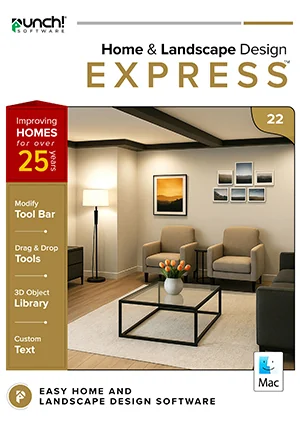
Punch! Home & Landscape Design Express 22 for Mac
Design, furnish and decorate in 3D.
$49.99
one-time · yours to keep
- Instant download and licence key by email
- 30-day refund on unactivated licences
- 12 months of support included
Overview
Design, furnish and decorate in 3D.
Designed for home-improvement newcomers. Plan room by room from the basement to the loft, drop in furniture, cabinets and plants, then take a virtual tour — no design experience needed.
- Floors
- 4
- House plans
- —
- 3D objects
- 2,044
Made for
- Furnishing a room
- Trying paint and flooring
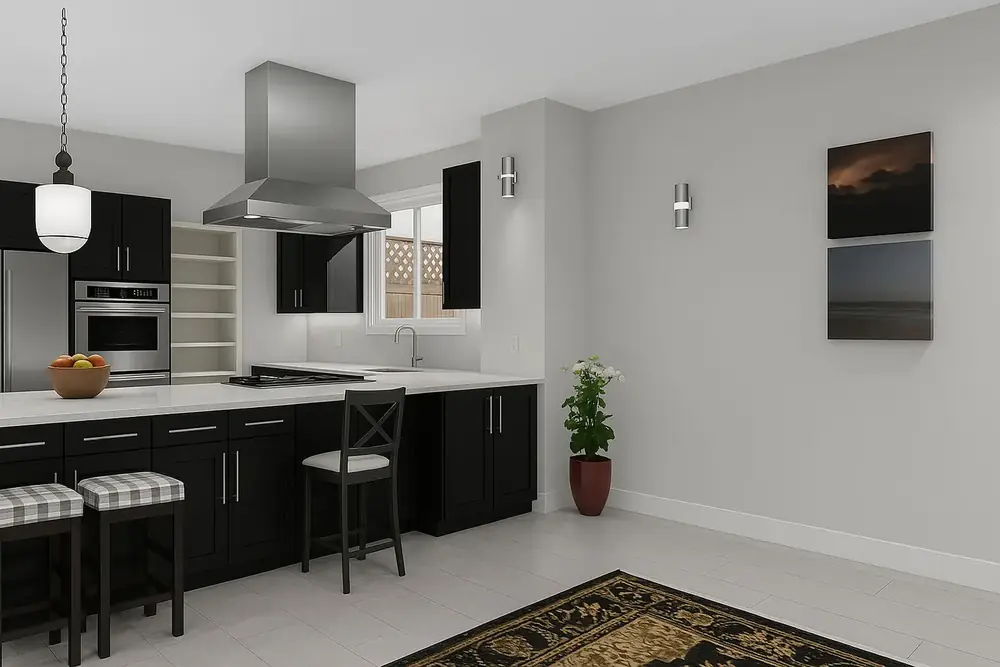
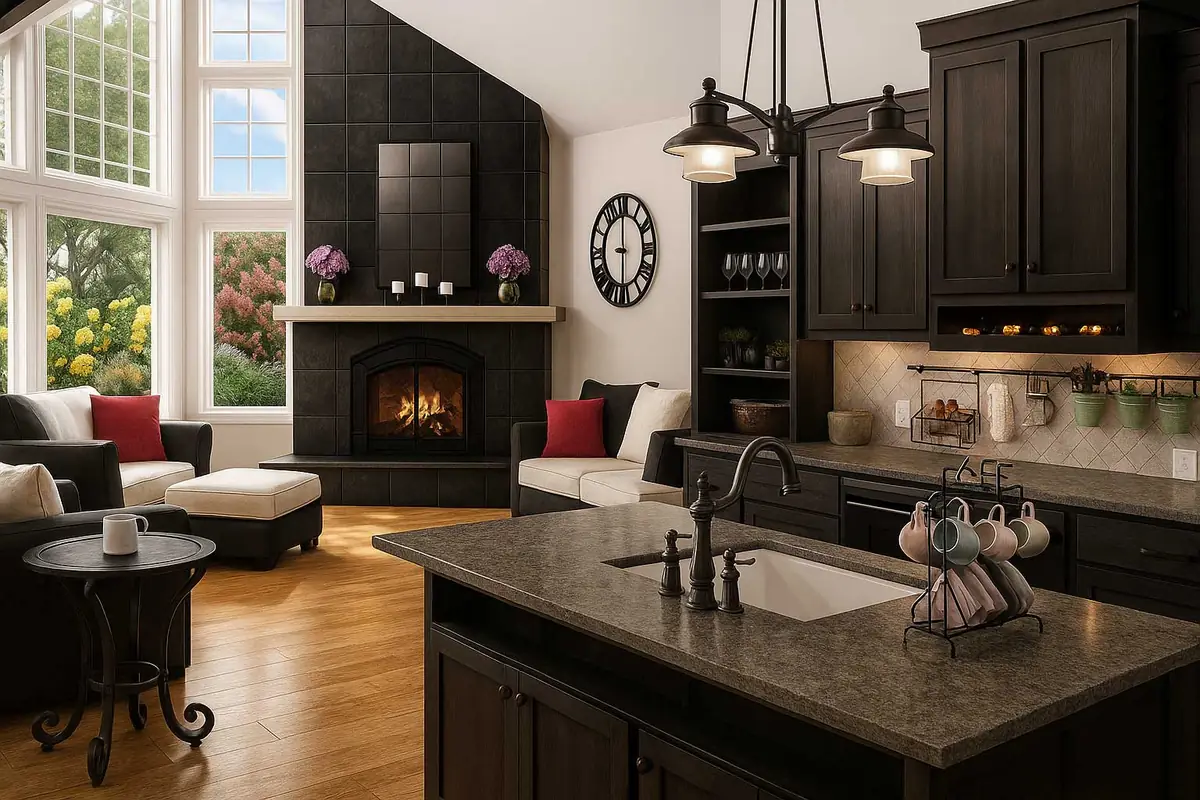
- Kitchen layouts
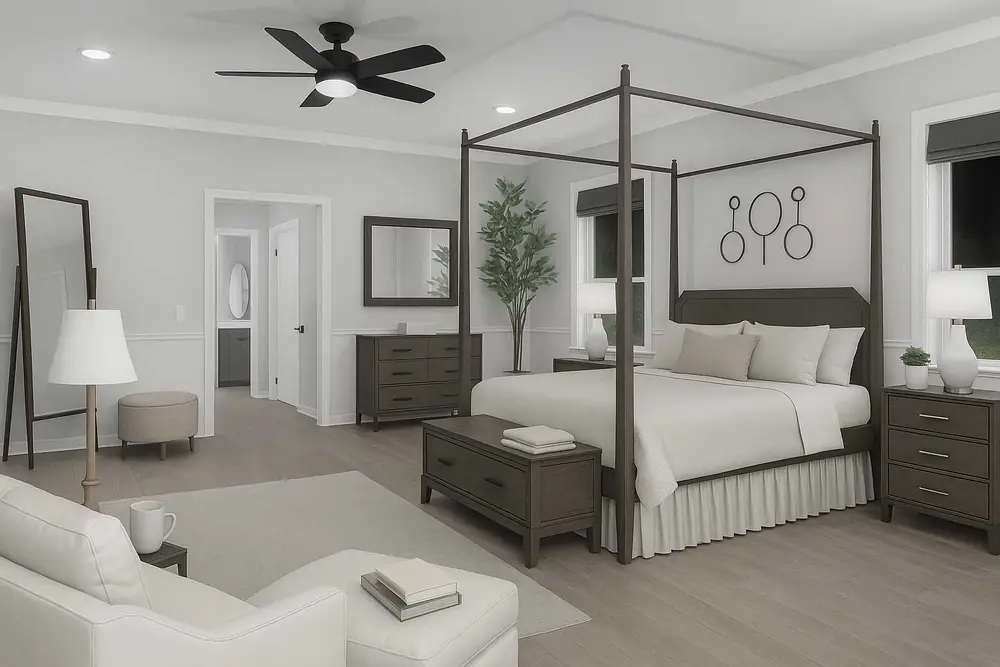
- Bedroom makeovers
- Small decks
- First garden plans
Every feature in this edition
Compare with the other editionsHome Design13
- Advanced 2D Drawing Engine
- Custom Rich Text
- Material Editor
- Window Shutters
- Double Doors and Mounting Options
- Advanced Floor Management4 floors
- Floor Plan Trace
- Online Training Center
- Electrical Planner
- Estimator with Room Estimating
- Instant 3D Views
- Detail Tools
- Metric and Imperial Measurements
Interior Design2
- Over 7640+ Materials
- Cabinet Tool
Landscape Design7
- 2D Plant Symbols
- Customizable Plant Sizing
- Over 4000+ Plants
- Landscape and Patio Groupings
- Measurement Units
- Deck Layout Tools
- Ground Fill Region
Other Features6
- Library Navigation and Preview Control
- 3D Panning
- Point Selection Highlight Guides
- Sky Light
- Drag and Drop into 3D
- Multiple Monitor Support
Visualization4
- 2D
- 3D
- 3D Panning
- 3D Animation
Interoperability9
- Import DXF/DWG (2D)
- Export DXF/DWG
- Punch!® 3D Object Import
- SketchUp® Object Import
- Import Material
- Import Plant
- 3D Background image Import
- Image of 3D View in (BMP, JPEG, PNG, TIFF) Import
- Print 3D View
Other Features3
- Line Text Styles
- Expandable Fill Patterns
- Note Markers
New Features1
- Compatibility with macOS 26 TahoeNew
File formats
Open it, share it, print it.
- Punch!® 3D Objectimport
- Sketchup®import
- DXF/DWG Design (2D Only)import · export
- Image to 3D Material Libraryimport
- Image to Plant Libraryimport
- 3D Background Imageimport
- Image of 3D View in (BMP, JPEG, PNG, TIFF)export
- Print 3D Viewexport
System requirements
Runs on
| OS | macOS 11 Big Sur to macOS 26 Tahoe |
|---|---|
| Processor | Intel x64 or Apple Silicon (M1 and newer) |
| Memory | 8 GB or more |
| Disk | 4 GB free |
| Graphics | OpenGL with 256 MB+ VRAM, 1024×768 |
| Internet | For activation and updates |
Licensing
Plain-language licensing
Own itOne payment, one computer, use it for good. 12 months of maintenance and support included; upgrade at a discount any time in the next five years.
Term, 1 or 3 yearsA lower upfront cost with every update while the term is active. Windows editions offer 1- and 3-year terms; Mac Professional and Architectural Series offer 1-year terms.
Windows and MacSeparate products and separate licences: version 26 for Windows, version 22 for Mac.
Education & volumeDiscounts for verified schools and students, and volume pricing from 10 seats. Contact sales.
RefundsA full refund within 30 days on any licence you have not activated.
Questions
Before you buy
How do I get my software?
Everything is delivered by download. Your order confirmation email contains the download link and your licence key. Install the software and activate it with that key — most people are designing within minutes.
Does one licence cover Windows and Mac?
No. Windows and Mac are separate products with separate licences. Choose the platform you will install on when you add the product to your cart.
What is the difference between owning it and a term licence?
Own it is a one-time purchase for one computer that you can use for as long as your system supports it, with 12 months of maintenance and support included. A term licence (1 or 3 years) costs less up front and includes every update and upgrade while the term is active.
How do Copilot credits work?
Each Home Design Copilot term includes a monthly credit allowance for AI rendering, asset generation and design help. Copilot needs Punch! 26 for Windows; it is not available on Mac 22.
What is your refund policy?
We offer a full refund within 30 days of purchase on any licence that has not been activated. Activated licences cannot be refunded.