Studio
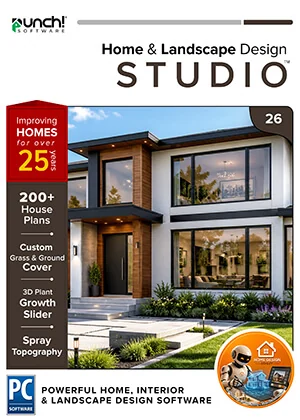
Punch! Home & Landscape Design Studio 26 for Windows — 1-year term
The whole house and the whole garden.
- Instant download and licence key by email
- 30-day refund on unactivated licences
- 12 months of support included
Overview
The whole house and the whole garden.
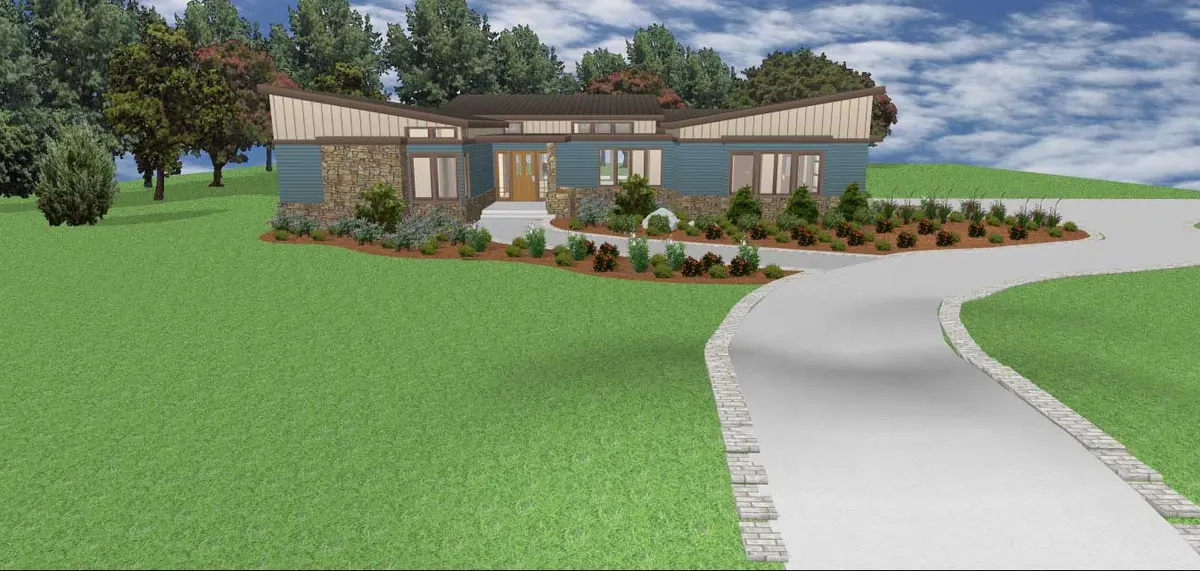
For DIYers planning more than a room. Studio adds the structure and landscape tools — automatic roofs, foundations, bay and curved walls, sculpted terrain, decks and irrigation — while staying simpler than Professional.
- Floors
- 6
- House plans
- 250
- 3D objects
- 2,044
Made for
- Additions and basements
- Roof changes
- Decks and pools areas
- Sloped lots
- Irrigation plans
- Planting that grows over years
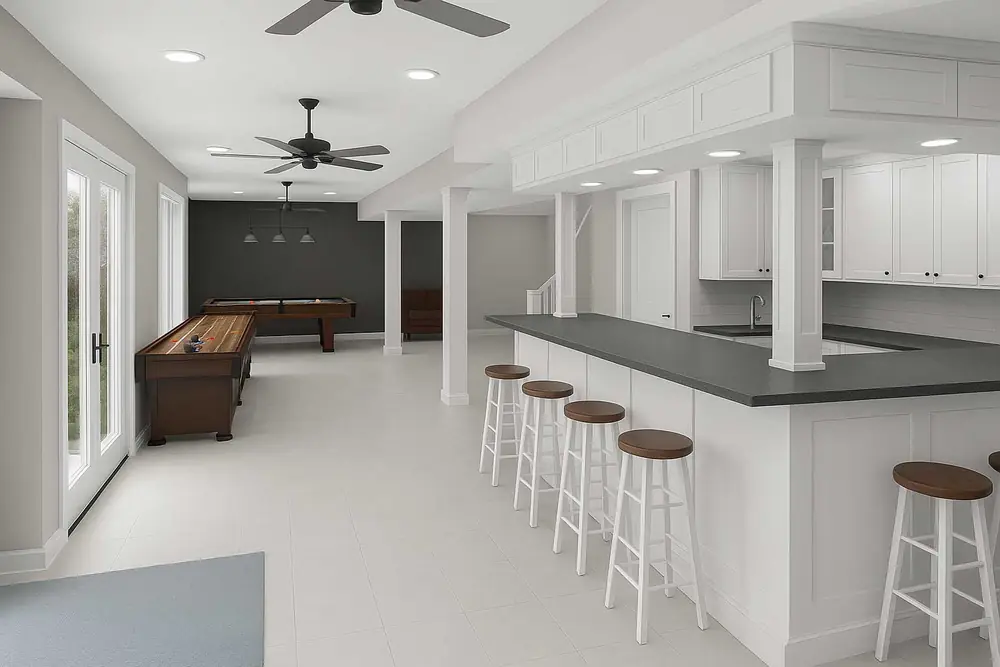
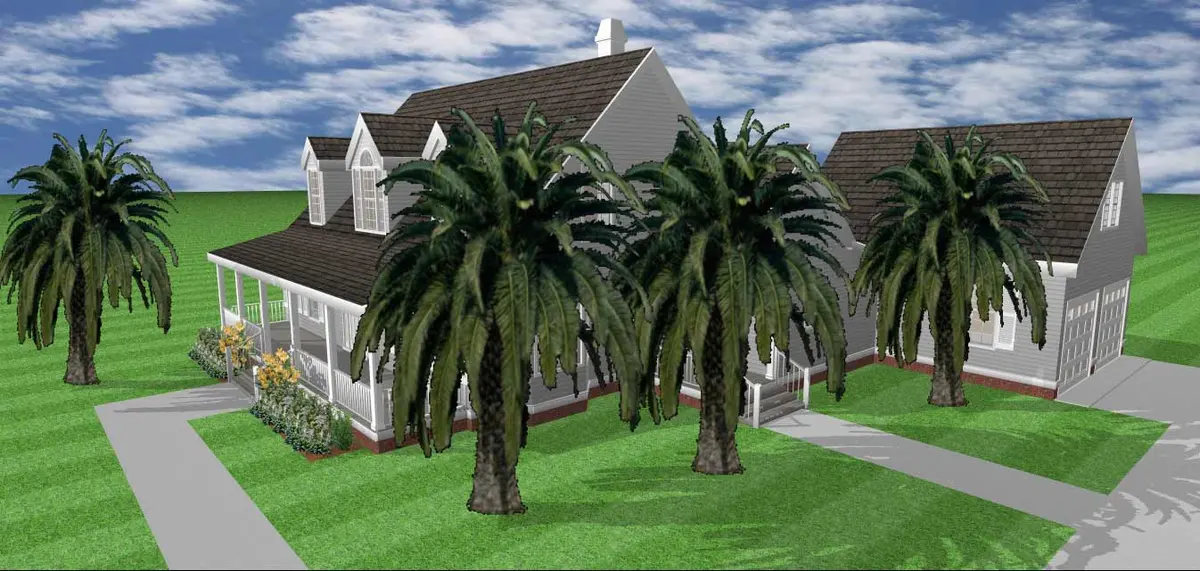
What this edition adds
Everything in Essentials, plus:
Visualizes the interior structure of designs with detailed 3D cutaway views, allowing inspection of internal elements for correct alignment.
Designs and plans the foundation of buildings, ensuring structural integrity and compliance with building codes.
Plans and designs heating, ventilation, and air conditioning systems, optimizing comfort and energy efficiency in buildings.
Designs roofs with automatic generation and custom configurations, creating complex and aesthetically pleasing roof structures.
Creates bay walls in designs with ease, adding architectural interest and maximizing natural light.
Designs dynamic architectural features with curved walls, allowing for creative and unique design elements.
Simplifies the process of adding new rooms to existing designs, making it easy to expand and modify layouts.
Choose from a variety of accessories and window treatments to complete your interior design.
Predefined color and material palettes for quick and easy design customization.
A tool that allows users to create and modify terrain by "spraying" elevation changes, making it easy to design natural landscapes and topographical features.
Offers intelligent tools for designing complex deck structures with ease.
Provides the ability to position the sun globally to analyze lighting and shadows in your landscape.
Every feature in this edition
Compare with the other editionsNew in version 266
- Home Design Copilot RenderingCopilot
- Home Design Copilot HelpCopilot
- Copilot Texture and Plant GenerationCopilot
- Modernized User InterfaceNew
- Support for Dark ThemeNew
- SketchUp Import ImprovementsNew
Home Design21
- Advanced 2D Drawing Engine
- Custom Rich Text
- Material Editor
- Window Shutters
- 3D Cutaway Tool
- Double Doors and Mounting Options
- Advanced Floor Management6 floors
- Floor Plan Trace
- 2D Tracing House Plans250
- Online Training Center
- Foundation Planner
- HVAC Planner
- Electrical Planner
- Estimator with Room Estimating
- Instant 3D Views
- Automatic and Custom Roof Tools
- Metric and Imperial Measurements
- Baywall
- Curved Wall Tool
- Room Addition Tool
- Enhanced Deck, Railing and Stair Options
Interior Design9
- Included 3D Objects*2044
- Over 7640+ Materials
- PhotoView
- Accessories / Window Treatments
- Décor Column Tool
- QuickPalettes
- Decorator Palette
- Cabinet Tool
- Cable/Phone/Thermostat
Landscape Design14
- Spray Topography
- 2D Plant Symbols
- Customizable Plant Sizing
- Over 4000+ Plants
- Landscape and Patio Groupings
- Topography Tools
- Deck Layout Tools
- Enhanced Deck Railing and Stair Options
- IntelliDeck Tools
- Global Sun Positioning
- Plant Inventory Bar
- Plant Fill
- Green Region Tool
- Irrigation Tools
Other Features20
- Library Navigation and Preview Control
- Interface Color Customization
- Download Packs for 3D Objects, textures and more
- Point Selection Highlight Guides
- Drag and Drop into 3D
- Multiple Monitor Support
- Realmodel
- Custom Furniture Workshop
- Symbol Editor
- 2D Symbol Library
- AEC & CAD Symbols Library
- Selection Filter
- Note Markers
- Line Text Styles
- Fill Patterns
- Additional Print Scales
- CAD Detail Tool
- Duplicate Shape, Shrink/Expand
- Quick Edit Shortcuts
- Default Design Settings Templates
Visualization11
- Batch Rendering 3D Views
- 2D & 3D
- 3D Navigation
- Room View
- Saved 3D Viewpoints
- Clearview/Wireframe
- Cutaway
- Aerial
- Aerial Room View (3D)
- Online 360° Viewer
- PBR Material Download Packs
Interoperability9
- OBJ File Export
- STL Export
- Import DXF/DWG (2D)
- Export DXF/DWG
- PDF Import 2D
- Sketchup Import
- 3DS Import
- Import Material
- Import Plant
New in version 26
What’s new
Re-render views from prompts, turn plans into places, generate plants and materials, ask the product.
Refreshed welcome screens, menu bar and quick-access toolbar, compact or large palettes.
Improved contrast, clearer icons and automatic system-theme detection.
Textures carry through to LuxCore™, scale and naming options, split import into editable objects.
Reliable mapping across stacked objects and angled walls; LuxCore™ trim textures match the default renderer.
Display and edit subplans brought in from other projects.
File formats
Open it, share it, print it.
- OBJexport
- Sketchup®import
- DXF/DWG Design (2D Only)import · export
- Image to 3D Material Libraryimport
- Image to Plant Libraryimport
- STLexport
- PDF (2D)import
- 3DSimport
System requirements
Runs on
| OS | Windows 7, 8, 10 or 11, 64-bit only |
|---|---|
| Processor | Pentium IV / Athlon64-class, 1 GHz or faster |
| Memory | 4 GB (8 GB recommended) |
| Disk | 4 GB free (SSD recommended) |
| Graphics | 1024×768, 32-bit colour (dedicated GPU with 4 GB+ recommended) |
| Internet | For activation, updates and online features |
Licensing
Plain-language licensing
Questions
Before you buy
How do I get my software?
Does one licence cover Windows and Mac?
What is the difference between owning it and a term licence?
How do Copilot credits work?
What is your refund policy?
Goes well with